How Much Does It Cost to Automate a Business Process? (2026 Small-Business Pricing Guide)
How much it costs to automate a business process in 2026 — real small-business pricing bands, what drives the cost, and how to scope your first automation.
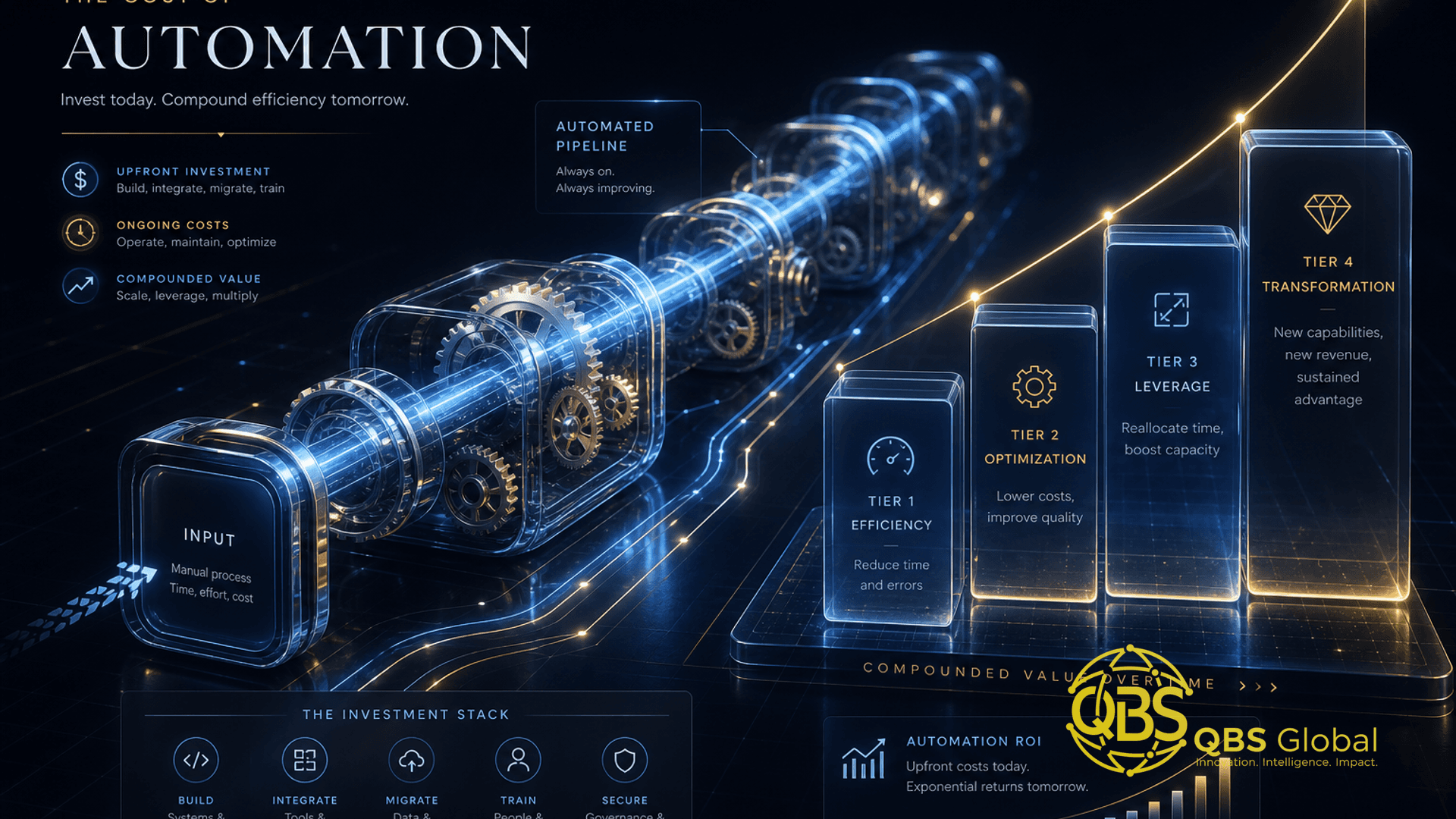
If you have searched this question, you have probably hit the same wall everywhere: "business process automation costs anywhere from a few hundred to hundreds of thousands of dollars." True, and useless. That range mixes a $20-a-month Zapier workflow with a six-figure enterprise RPA rollout, and you are not running an enterprise.
This guide is built for the other 99 percent — the founder or operator who wants to stop doing the same task by hand every week and needs a real number to budget against. We give you tight pricing bands for the kind of automation a small business actually builds first, walk through a real example line by line, and tell you plainly when to use a $30 tool versus when a custom build earns its keep. Every hard number here is pulled from 2025 to 2026 vendor pricing and linked to its source. We automate busywork for a living, so treat this as a costing model from people who quote these jobs, not a brochure.
What 'Business Process Automation' Actually Covers
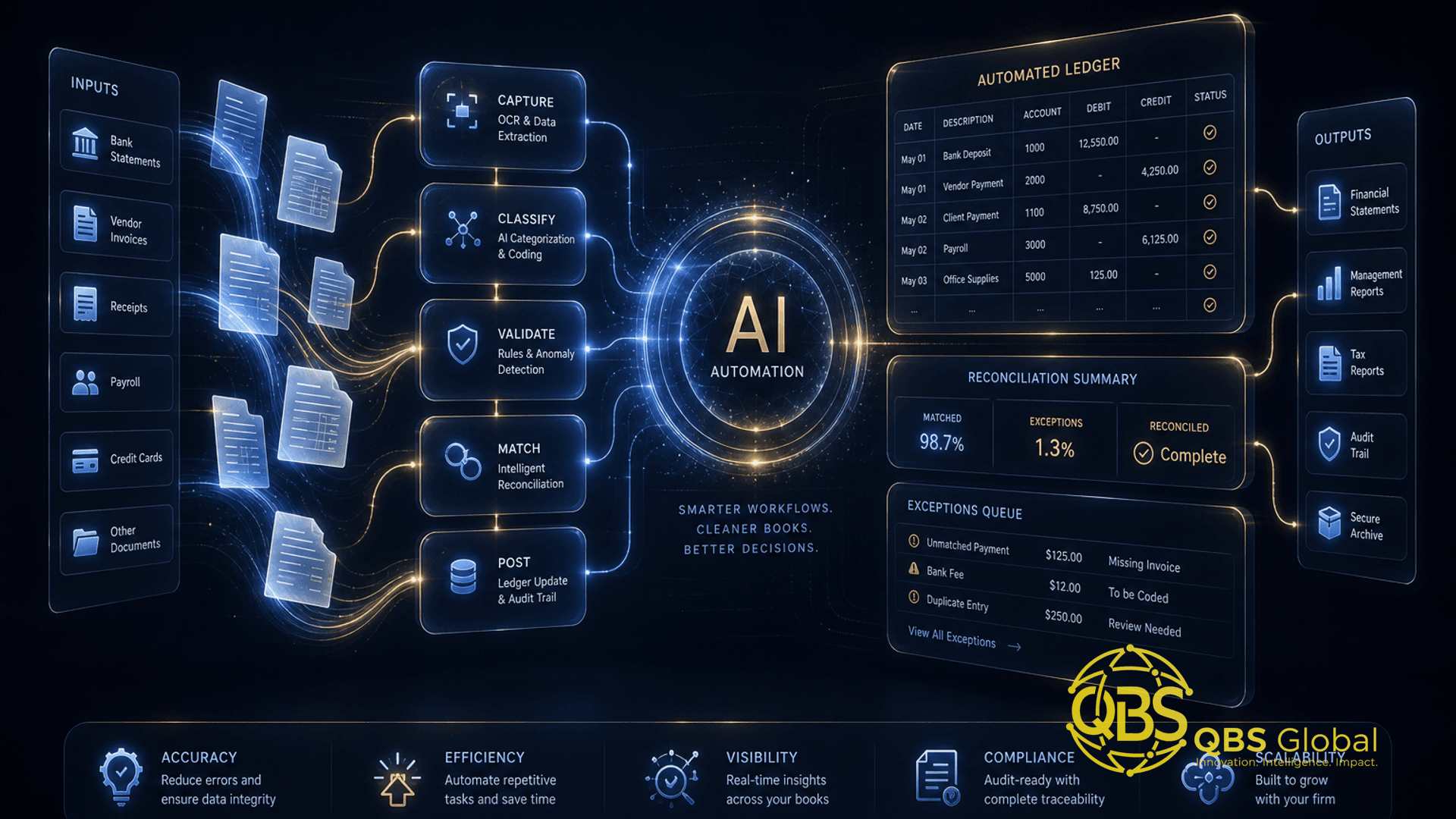
"Business process automation" (BPA) sounds enterprise. In practice, for a small business, it means one thing: a repetitive task that used to need a human now runs itself. No more copy-pasting between two apps. No more chasing a form, then a spreadsheet, then an email.
It matters because that busywork is not free. Over 40 percent of workers spend at least a quarter of their work week on manual, repetitive tasks like email, data collection, and data entry, according to a Smartsheet survey. The same survey found that nearly 60 percent of those workers believe they could save six or more hours a week — almost a full workday — if the repetitive parts of their job were automated. That reclaimed time is the entire return on automation.
The processes small businesses automate first are almost always the same handful:
- Lead and form intake — a website form drops a lead straight into your CRM and pings the right person.
- Client onboarding — a signed contract triggers the welcome email, folder creation, and task list automatically.
- Invoicing and follow-ups — invoices send on a schedule, and overdue reminders go out without anyone remembering.
- Data sync — orders, contacts, or tickets stay in lockstep across two tools that do not talk natively.
- Reporting — a weekly summary assembles itself from your live data instead of someone exporting CSVs.
None of that requires "RPA robots" or an enterprise platform. It is plumbing between tools you already use. If you want a fuller picture of where automation pays off in a services context, our guide to AI automation for service businesses maps the highest-value processes by team.
What Drives the Cost (the 5 Levers)
Two automations that look similar on a whiteboard can differ 10x in price. Five levers explain almost all of the gap. Score your process against each and you will know roughly where in the bands you land.
| Lever | Cheap end | Expensive end |
|---|---|---|
| 1. Number of steps | 2 to 3 steps, one trigger, one action | 10-plus steps with branches and conditions |
| 2. Systems involved | One app to another, both with ready connectors | Three-plus systems, one with no API or a legacy database |
| 3. Logic and exceptions | Same path every time | Approvals, edge cases, "if X then Y else Z" |
| 4. Data quality | Clean, consistent fields | Messy, inconsistent data needing cleanup first |
| 5. Volume and reliability | Runs a few times a day, low stakes | Thousands of runs, can't fail, needs monitoring |
The biggest cost surprise is almost always lever 4. A 2025 analysis cited by automation vendors found that the advertised price for an AI automation represents only 20 to 40 percent of the true first-year cost, with data cleanup the most commonly underestimated item. If your customer list lives in three spreadsheets with mismatched columns, you are paying to fix that before any automation can run on top of it.
The cheaper your process scores across these five, the more likely you can do it yourself on an off-the-shelf tool. The more it skews expensive, the more a custom build or a specialist becomes worth the money.
Real 2026 Pricing Bands for Small Businesses
Here is what small businesses actually pay, split into the two cost types that matter: the software subscription (recurring) and the build (usually one-time). Keep them separate in your head — confusing the two is why most quotes feel random.
Software subscription bands (the tools)
| Tool tier | What it is | Typical 2026 cost |
|---|---|---|
| No-code, entry | Zapier, Make for a few simple workflows | About $9 to $30 a month |
| No-code, growing | Several multi-step workflows, more volume | About $50 to $300 a month |
| Bundle for a 5 to 25-person team | Multiple workflows, CRM integration, support | About $350 to $700 a month |
Concrete anchors: Zapier's Professional plan starts at $29.99 a month for 750 tasks (cheaper billed annually), and Make's Core plan runs about $9 a month for 10,000 credits with unlimited scenarios. For a team of 5 to 25 people, most businesses find the right fit in the $350 to $700 a month range once you add CRM integration and support across several workflows.
Build bands (getting it set up)
| Build type | What you get | Typical 2026 cost |
|---|---|---|
| DIY | You wire it yourself on a no-code tool | $0 build + subscription |
| Single automation, done for you | One workflow scoped, built, tested | Roughly $1,500 to $8,000 |
| Basic package, agency | A few core automations in year one | About $3,000 to $5,000 |
| Multi-system overhaul | CRM, billing, PM, reporting all connected | $25,000-plus |
AI automation for small businesses typically costs $3,000 to $15,000 for implementation, with ongoing tooling and monitoring of $500 to $2,000 a month at the higher end. If you bring in a specialist by the hour, basic no-code automation work runs $75 to $150 an hour, while custom AI-agent work from agencies runs $175 to $300 an hour. A traditional Zapier consultant typically charges $100 to $200 an hour.
The honest takeaway: your first automation should sit in the low thousands, not the tens of thousands. If someone quotes you $25,000 for a single invoice reminder, they are scoping an overhaul you did not ask for.
A Worked Example: Costing a Real Automation
Numbers in the abstract are slippery. Let us cost one concrete, common process: a new lead fills out your website form, and it should land in your CRM, trigger a personalized email, create a follow-up task, and post a notification to your team chat. Four destinations, one trigger.
Here is the line-by-line for a done-for-you build:
| Line item | What it covers | Cost |
|---|---|---|
| Scoping and mapping | Define the trigger, steps, edge cases | $400 to $800 |
| Build and connect | Wire form → CRM → email → task → chat | $1,000 to $2,500 |
| Testing and edge cases | Bad inputs, duplicates, failures | $300 to $700 |
| Documentation and handover | So you can run it without us | $200 to $500 |
| One-time build total | $1,900 to $4,500 | |
| Tool subscription | Zapier Professional or Make Core | $9 to $30 a month |
So this automation costs roughly $1,900 to $4,500 once, plus under $30 a month to keep running. That falls right inside the single-automation band ($1,500 to $8,000) we cited above.
Now the return. Say a team member currently spends 20 minutes per lead doing this by hand, and you get 30 leads a month. That is 10 hours a month of manual work. At even a modest loaded labor cost, that automation pays for itself within a few months and then keeps paying every month after — which is exactly why the Smartsheet survey found workers want this time back. This same logic underpins automating client onboarding, a process where the manual hours add up even faster because every new client repeats the full sequence.
Off-the-Shelf Tools vs Custom Build Cost
The most expensive mistake in automation is building custom when an off-the-shelf tool would have done the job, or staying on a no-code tool long past the point where its per-task pricing punishes you. Here is the honest comparison.
| Factor | Off-the-shelf (Zapier, Make, n8n) | Custom build |
|---|---|---|
| Upfront cost | $0 to low thousands | $5,000 to $25,000-plus |
| Monthly cost | $9 to $700 depending on volume | Hosting only (often under $50) |
| Time to live | Days | Weeks to months |
| Best for | Standard apps with ready connectors | High volume, no connectors, custom logic |
| Risk at scale | Per-task fees climb fast | You own maintenance |
Start off-the-shelf. Almost always. For a first automation connecting common apps, a no-code platform is faster, cheaper, and lower-risk. The catch is volume pricing: Zapier bills extra tasks at 1.25 times your plan's rate once you exceed your included volume, so a high-frequency automation can quietly become your most expensive subscription.
Custom earns its keep in three situations: the process is high-volume and per-task fees would balloon; one of your systems has no ready connector (a legacy database, an in-house tool); or the logic is genuinely custom and bends the off-the-shelf tool into knots. At that point the math flips — a one-time build with cheap self-hosting beats an ever-climbing subscription. That is the same build-versus-buy logic we lay out for software in what a custom CRM costs; the threshold question is identical, just the price tags are bigger.
One important note on enterprise RPA: software like UiPath or Blue Prism is priced for large companies, with single-bot SME implementations running $5,000 to $15,000 per bot before licensing. For most small-business processes, you do not need it, and we have deliberately kept this guide off that path.
Hidden and Ongoing Costs to Plan For
The build quote is the part everyone sees. The costs that bite are the ones underneath it. Plan for these from day one so your "$3,000 automation" does not become a $7,000 surprise.
- Data cleanup. The single most underestimated cost. If your data is messy, it gets fixed before automation runs — and that prep can be the largest line item in year one.
- Ongoing subscriptions. Tools are recurring forever. A handful of workflows on a no-code platform realistically runs you several hundred dollars a month at the $350 to $700 team range once you scale.
- Maintenance and breakage. Apps change their APIs. A connector that worked last quarter can break, and someone has to fix it. Budget either internal time or a small monthly retainer.
- Internal time. Your team spends hours mapping the process, testing, and learning the new flow. That is real cost even when no invoice is attached.
- Overage fees. As covered above, per-task pricing climbs with volume. Watch your task or credit usage before it watches you.
The headline figure to remember: a 2025 analysis found the advertised price for an automation often represents only 20 to 40 percent of the true first-year cost. Multiply a quote by two to three for a realistic first-year all-in, and you will rarely be unpleasantly surprised.
How to Scope Your First Automation Affordably
The cheapest automation is a well-scoped one. Most budget overruns come from automating the wrong thing, or automating it before the process itself was clear. Here is the sequence we use.
1. Pick one process — the boring, frequent one. Not the most complex; the most repetitive. The best first candidate is high-frequency, rule-based, and low-stakes if it occasionally needs a human check. Lead intake, onboarding, and invoice follow-ups are perennial winners.
2. Map it before you price it. Write out the trigger, every step, every decision point, and what "done" looks like. This 30-minute exercise is what separates a $2,000 build from a $6,000 one — vague scope is expensive scope.
3. Score it against the five levers. Steps, systems, logic, data quality, volume. If it scores cheap across the board, you can likely build it yourself on Zapier or Make for the price of a subscription.
4. Try DIY first if it is simple. A two-or-three-step automation between common apps is genuinely a self-serve job. Build it, run it for two weeks, see if it holds. The lesson is free.
5. Bring in help when the levers turn expensive. Multiple systems, real branching logic, messy data, or "this cannot fail" reliability are the signals to scope a done-for-you build. Paying $1,500 to $4,000 for someone to do it right is cheaper than three weekends of your own time plus a flaky result.
6. Start small, then compound. Automate one process, prove the time savings, and reinvest that reclaimed time into the next one. A business that automates one process a quarter is dramatically more efficient a year later — without a single big-bang project.
The trap to avoid is the "let us automate everything" overhaul as a first move. That is the $25,000-plus path, and it is the wrong starting point for almost every small business. Earn the right to the big build by nailing a small one first.
If you would rather not score levers and map flows alone, that is exactly the part we help with. Book a free 30-minute call with QBS Global and we will look at one process you do by hand today, tell you honestly whether it is a DIY job or worth a build, and send you a tailored automation roadmap within 48 hours — no obligation, no enterprise sales theater.
Frequently asked questions
How much does it cost to automate a business process in 2026?+
A single well-scoped automation usually lands between $1,500 and $8,000 to build, plus $20 to $300 a month in tool subscriptions. A simple build with an agency runs roughly $3,000 to $5,000 in year one, while a multi-system overhaul can reach $25,000-plus, per 2025 to 2026 vendor pricing guides.
What is the cheapest way to automate a small-business process?+
Use a no-code tool like Zapier or Make and build one automation yourself. Per 2026 pricing breakdowns, Zapier's Professional plan starts at $29.99 a month and Make's Core plan at about $9 a month, so a single workflow can cost under $30 a month in software with no build fee if you do the wiring.
How much does a Zapier or Make subscription cost?+
Zapier's Professional plan starts at $29.99 a month for 750 tasks, and Make's Core plan is about $9 a month for 10,000 credits, according to 2026 pricing breakdowns. Most small businesses running several workflows settle in the $30 to $300 a month range.
Is it cheaper to use off-the-shelf tools or build a custom automation?+
Off-the-shelf no-code tools are far cheaper to start and right for most first automations. A custom build only pays back when the process is high-volume, ties together systems with no ready connectors, or hits per-task pricing ceilings on the off-the-shelf platforms.
What hidden costs come with business process automation?+
The big ones are data cleanup, ongoing tool subscriptions, maintenance when an app changes its API, and internal time to test and document. A 2025 analysis found the advertised price often represents only 20 to 40 percent of the true first-year cost.
How much can automating one process actually save?+
Over 40 percent of workers spend at least a quarter of their work week on manual, repetitive tasks, per a Smartsheet survey, and most estimate they could save six-plus hours a week if it were automated. Reclaiming even a few hours a week per person usually covers the cost of a single automation quickly.