AI Automation for Dental & Medical Clinics: Beyond Scheduling (Recalls, Records, Billing Ops)
AI automation for dental clinics practice operations: where recalls, records, and billing leak money — and the one-workflow pilot that pays for itself.
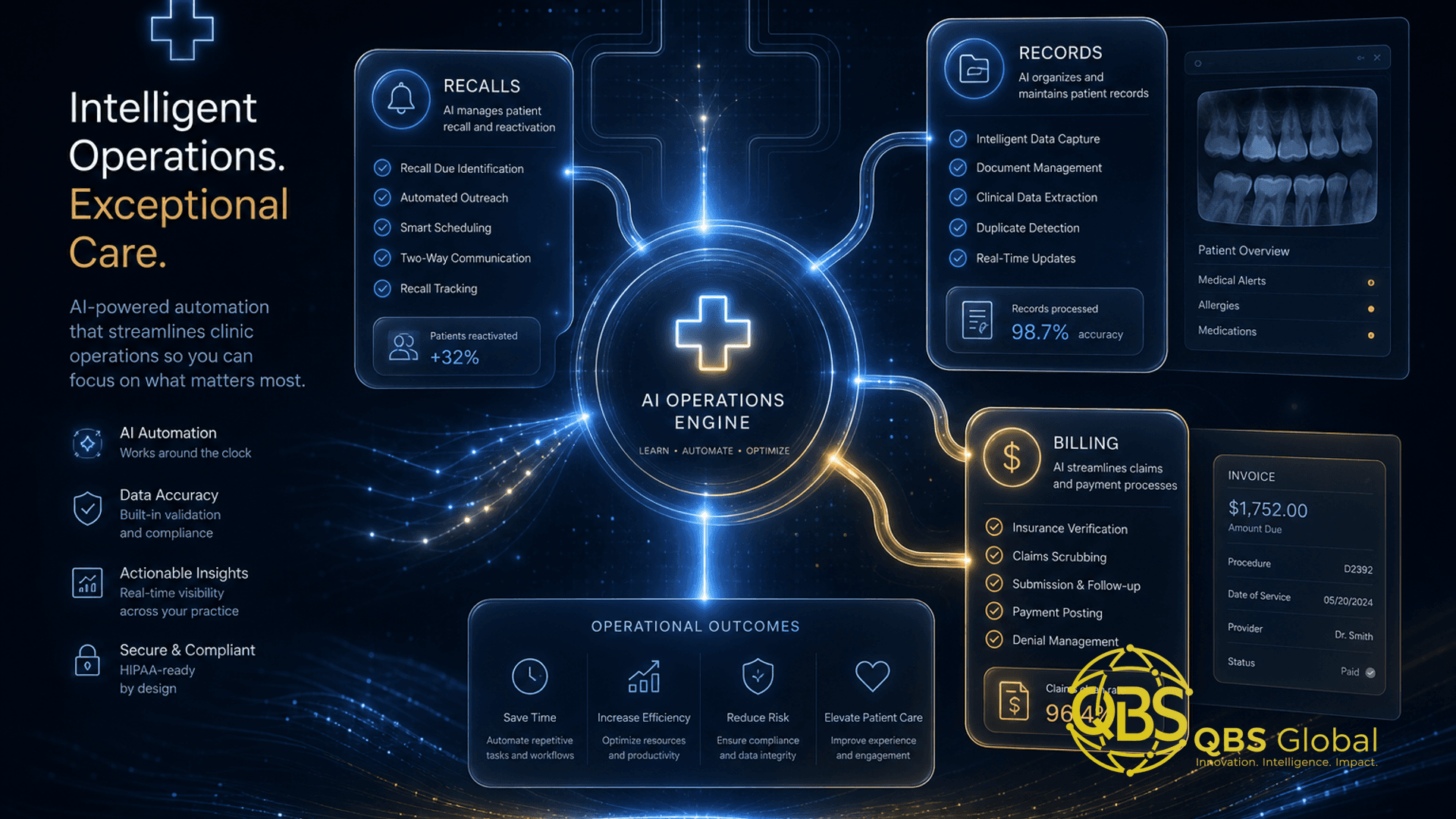
If you run a dental or medical practice, you have probably already bought software to fix your front desk. An online scheduler. An SMS reminder app. Maybe a review-request tool. Each one solved exactly one problem and then stopped at its own edge. Meanwhile the work that actually drains your team — chasing overdue patients, re-keying intake forms into the chart, verifying insurance, prepping claims — still happens by hand, in five-minute increments, all day long.
That gap is what "AI automation for dental clinics practice operations" is really about, and it is also why most clinics feel busier than ever while the same revenue leaks out the back. The fix is rarely one more app. It is wiring the systems you already pay for so the routine work runs itself. This is the vendor-neutral, operator's breakdown. We run a software and AI service line and build these workflows for clients — and we will tell you to just buy a $30/month tool when that is the smarter call.
Why clinics over-buy scheduling tools and under-automate ops
Scheduling tools are easy to buy because the pain is obvious and the demo is shiny. So practices stack them up. But a calendar widget does nothing for the patient who called at 7pm and hit voicemail, the chart that needs a form re-typed into it, or the claim that gets denied for an eligibility error.
The numbers say the real leak is upstream of the calendar. Across studies, dental offices fail to answer roughly 28% to 38% of incoming calls during business hours, and one analysis put the all-day average at 35%, rising above 50% during busy periods (Aria, 2026). When patients cannot reach you, they do not wait — about 67% of patients call a competitor when a practice does not answer, and 78% of callers leave no voicemail at all (Aria, 2026). A scheduling app does not catch any of that.
No-shows tell the same story. The national no-show rate sits roughly between 5% and 10% in the US, with each missed visit costing around $265 (Simbo AI, 2025). Reminders help, but a reminder app that does not know who is overdue, who needs eligibility checked, or who fell off the recall list is treating a symptom.
The takeaway: a scheduling tool fills the calendar. Operations automation keeps it full, keeps the chart accurate, and keeps the claim clean. You need the second thing, and almost nobody sells it as a single box.
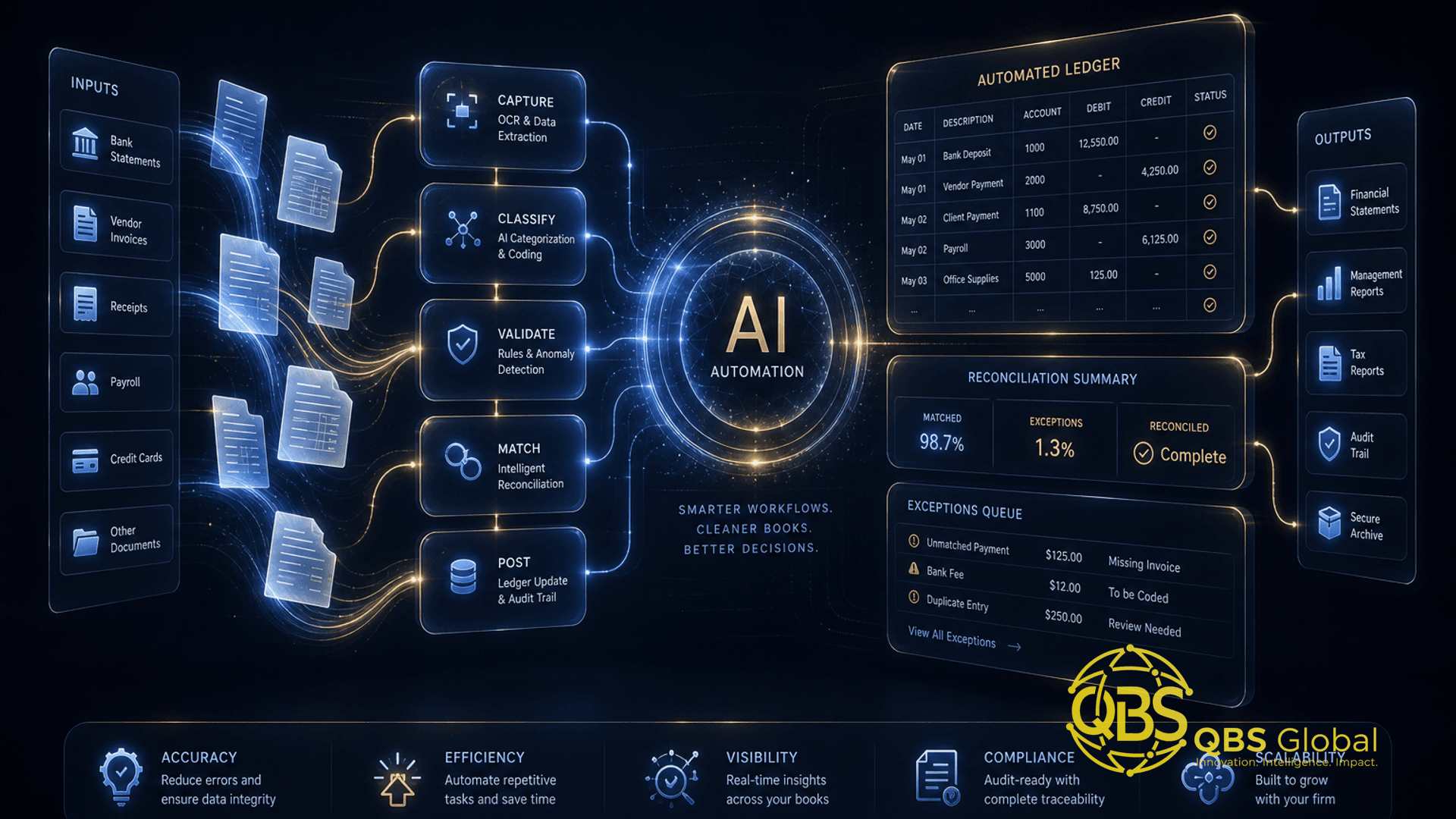
The reason it is not a single box is that clinic operations span at least five systems that rarely talk to each other: your practice management system (PMS) or EHR, your phone, your forms, the insurance portal, and your billing software. Each point tool lives inside one of them. The value is in the connections — which is the part you have to build or have built.
Recall campaigns: bringing lapsed patients back automatically
This is the highest-ROI place to start, because the revenue already belongs to you — you just lost the thread.
The typical practice recalls only 60-70% of patients, meaning 30-40% miss their scheduled hygiene or follow-up visits (Ainora, 2026). On top of that, the average practice carries 800 to 2,000 dormant patients who have not visited in 12+ months — often 30-50% of the total patient base (Ainora, 2026). These are people who already chose you once. They are not cold leads.
The mechanics of an automated recall workflow are simple and entirely safe:
- Pull the overdue list automatically. A scheduled job queries your PMS/EHR each morning for patients past their recall interval and segments them by how long they have lapsed.
- Run a multi-touch sequence, not one blast. This matters more than any tool choice. Single outreach attempts reactivate only 5-8% of dormant patients, while multi-touch campaigns of 3-5 contacts reach 15-25% (Ainora, 2026). Text, then email, then a personal call task for the front desk if there is no response.
- Personalize by lapse window. A patient three months overdue gets a gentle nudge; an 18-month-dormant patient gets a stronger reactivation offer, because recovery rates fall sharply the longer they are gone.
- Hand warm responses to a human. AI drafts and sends; your team books. Anything clinical stays with a person.
The math is straightforward. With active multi-touch reactivation, practices restore 10-20% of their dormant base per year (Ainora, 2026). Even the low end of that, applied to a thousand dormant patients at a few hundred dollars of downstream production each, is a serious number — recovered with zero ad spend. This is the same pattern behind a good AI receptionist for a service business: catch the demand you already have before paying for new demand.
Records sync and intake across systems
The second leak is quieter: data that exists in one system and has to be hand-carried into another. New-patient forms typed into the chart. Referral letters scanned and re-keyed. A phone-booked appointment manually copied into the EHR.
Intake automation closes this. A modern flow looks like:
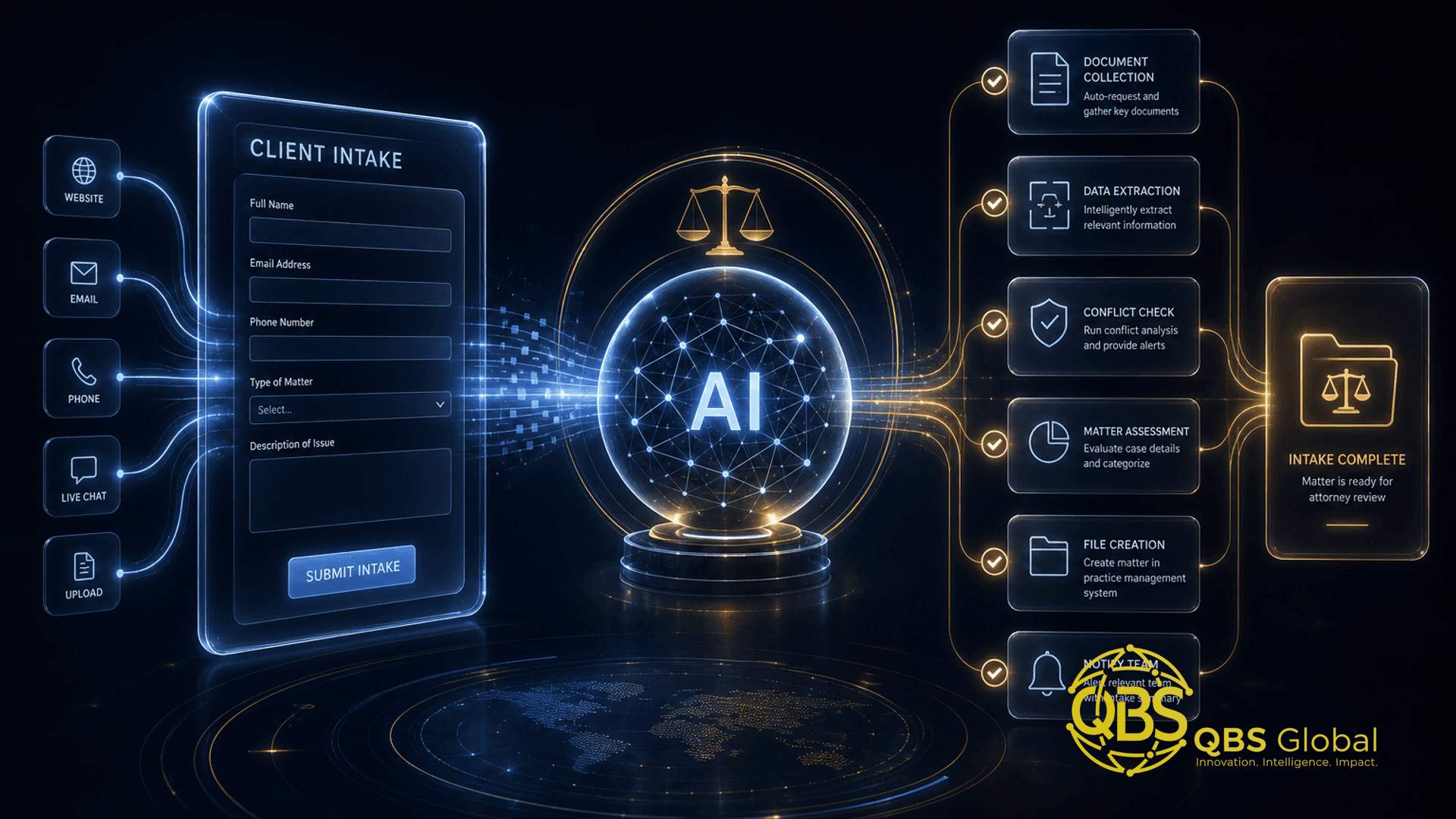
- Digital intake before arrival. The patient completes forms on their phone; the data lands structured, not as a PDF someone re-types.
- AI-assisted extraction for anything unstructured. Referral letters, faxed records, and scanned IDs get parsed into fields automatically, with a staff member confirming — not transcribing.
- Write-back to the system of record. The structured data flows into the PMS/EHR via API so the chart is ready before the patient sits down.
- Exception flags, not silent failures. When a field is ambiguous or a record will not match, the workflow routes it to a human queue instead of guessing.
The payoff is twofold: fewer transcription errors (which become billing and clinical errors downstream) and a front desk that greets patients instead of typing. The same logic powers a smooth client onboarding workflow in any service business — capture once, structured, and let it flow everywhere it is needed.
Compliance note up front: any system that touches records is handling protected health information. Extraction and write-back have to run through vendors covered by a signed agreement, with encryption and audit logging. We will come back to this — it is a build requirement, not an afterthought.
Insurance verification and billing-ops automation
If recall is where you recover revenue, billing ops is where you stop bleeding it.
Manual insurance verification is brutal on time. As a rough operator estimate, each manual check tends to eat several minutes once you account for portal logins and call holds, and a denied claim takes longer still to chase down and rework — so eligibility-and-authorization work easily adds up to hours per provider every week, on a task that is mostly lookups.
And the cost of getting it wrong is concrete — eligibility verification is one of the biggest single drivers of denials. In one breakdown of denial causes, eligibility errors accounted for about 32% of total denials, with roughly 85% of those preventable through real-time verification (Staffingly, 2024). Every reworked denial also carries a staff-time cost — a rough operator figure of tens of dollars per claim — so across thousands of claims a year the avoidable spend is real money.
What automation handles well here:
- Batch eligibility checks. Run verification for tomorrow's full schedule overnight, so the front desk starts the day with a clean list and flagged exceptions — not a queue of portal logins.
- Pre-visit coverage and benefit pull. Surface co-pay, deductible status, and plan limits before the patient arrives, so collection happens at the desk, not in a statement three weeks later.
- Claim scrubbing before submission. A rules layer catches the common eligibility and coding errors that cause denials in the first place.
- Denial triage. Auto-categorize denials by reason and route them to the right person with the context attached, instead of a manila folder.
The pattern is the same as broader AI workflow automation for service-business operations: take the high-volume, low-judgment task off your most expensive people and leave them the exceptions that actually need a brain.
Build vs point tools: what to wire together
You do not need to build everything. The honest rule: buy the narrow, well-solved tasks; build the connections nobody sells.
| Task | Buy a point tool | Build / wire custom |
|---|---|---|
| SMS/email appointment reminders | Yes — mature, cheap, plug-and-play | No |
| Online booking widget | Yes — your PMS may already include it | No |
| Multi-touch recall across lapse windows | Sometimes | Often — needs PMS data + segmentation logic |
| Records/intake sync between PMS and EHR | Rarely fits | Yes — bespoke, API-driven, the core leak |
| Batch insurance verification + claim scrubbing | Some niche tools exist | Often — depends on payers and systems |
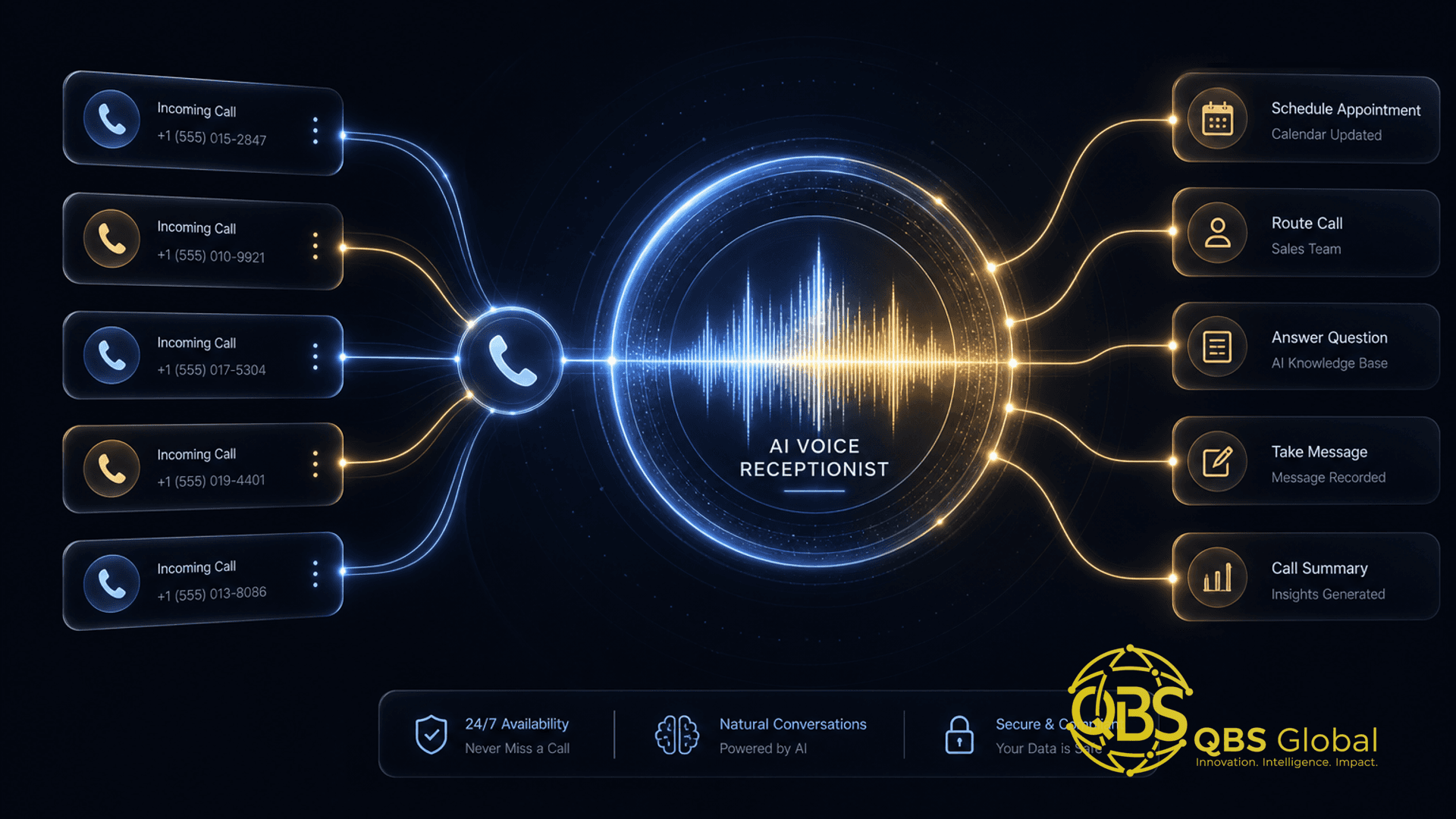
| After-hours call capture and triage | Yes — AI receptionist tools | Wire it into your booking and recall |
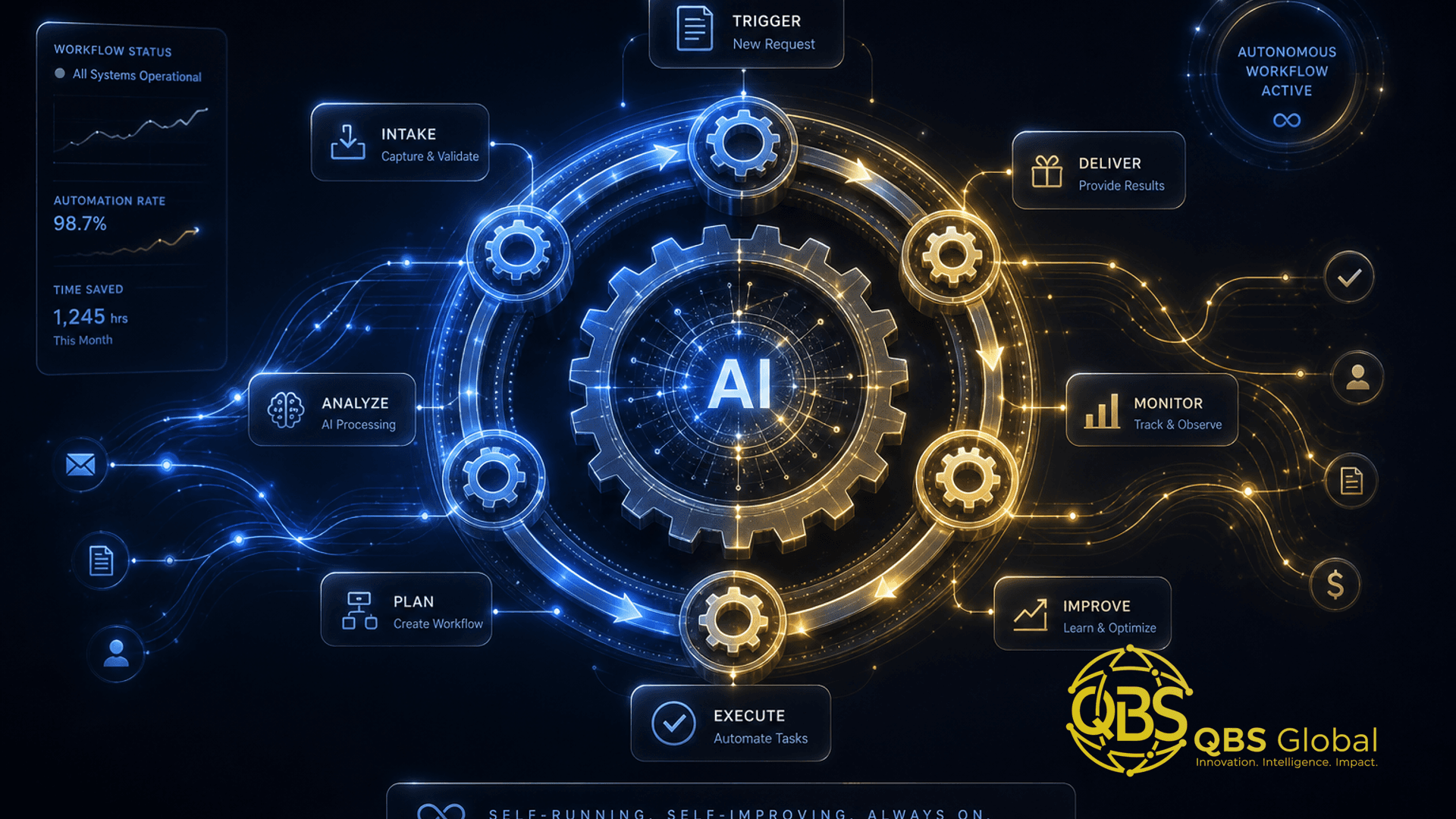
The line is integration depth. A reminder app needs to know one thing: when the appointment is. A recall-plus-intake-plus-billing flow needs your PMS, your phone, your forms, the insurance portal, and your billing to share state — and that is precisely where off-the-shelf apps stop. General-purpose automation platforms like n8n, Zapier, or Make are the usual connective tissue, with a small custom layer for the logic specific to your practice. If you want the full decision framework, our guide on build vs buy for AI agents in service firms walks the same trade-off.
The trap to avoid: stacking five point tools that each touch the patient record but never each other. That is how you end up paying five subscriptions and still re-typing everything by hand. One thin integration layer usually beats one more app.
Compliance and data-handling for patient workflows
This is the section that separates a real clinic automation from a liability, so do not skip it.
Patient data is regulated — HIPAA in the US, GDPR in the EU and UK, and equivalents elsewhere. Automation does not lower that bar; it raises it, because you are now moving PHI between more systems, faster. The non-negotiables:
- Signed agreements with every vendor. A Business Associate Agreement (BAA) under HIPAA, or a data-processing agreement under GDPR, with every tool that stores or processes patient data. No agreement, no PHI — full stop. This rules out piping records through a consumer chatbot or a random no-account web tool.
- Encryption in transit and at rest. Every hop, every store.
- Least-privilege access and audit logs. The automation should see only the fields it needs, and every access should be logged and reviewable.
- A human in the loop for anything clinical. AI can draft, sort, verify eligibility, and prep — it should not make clinical or final billing decisions unsupervised.
- Data minimization. Do not move more PHI than the workflow actually requires. The safest record is the one you never copied.
The honest version: a thrown-together automation that emails patient data to a non-compliant tool is not a shortcut — it is a breach waiting to be reported. Compliance is a design input from line one, not a feature you bolt on at the end. Build it in, or do not build it.
This is also why "just connect ChatGPT to our records" is the wrong instinct. The model is not the risk; the data path is. A compliant build keeps PHI inside agreement-covered systems and uses AI on the narrow, de-identified-where-possible slices.
Where to start: a one-workflow pilot
Do not try to automate the whole practice at once. That is how projects stall. Pick one workflow, prove it, then expand. For most clinics the right first pilot is recall, because the revenue is already yours, the clinical risk is near zero, and the result is a single, undeniable number.
A clean 4-week pilot:
- Baseline first (week 0). Pull your current recall rate and count your dormant patients. You cannot prove a win without a starting number.
- Build one multi-touch sequence (week 1). Overdue-patient query, segmented by lapse window, with a 3-5 touch text/email/call-task cadence. Route warm replies to the front desk.
- Run it in parallel (weeks 2-3). Let it work alongside your existing process so nothing breaks. Watch reactivations, replies, and any patient friction.
- Measure and decide (week 4). Compare reactivated patients and recovered production against baseline. If the numbers hold — and with multi-touch they usually do — expand to intake, then billing.
If you want a structured way to choose your first target across the whole practice rather than just trusting our recall pick, our checklist for which business processes to automate first gives you the scoring framework: highest volume, lowest judgment, clearest baseline wins.
The sequencing that works in practice: recall first (recover revenue), intake second (stop re-keying and errors), billing ops third (stop denials and reclaim provider hours). Each one funds the next, and none of them requires ripping out the systems you already run.
If you are staring at a stack of clinic tools that do not talk to each other and a front desk drowning in repetitive work, that is exactly the problem we untangle. Book a free 30-minute call with QBS Global and we will map your highest-leverage first workflow and a realistic pilot plan — sent back to you within 48 hours, no obligation.
Frequently asked questions
What is AI automation for dental clinics practice operations?+
It is wiring your booking, records, recall, and billing systems together so routine work — reminders, recall outreach, intake, eligibility checks, claim prep — runs automatically, instead of buying one more standalone app that does a single task and ignores everything else.
Where should a clinic start automating first?+
Start with patient recall: most practices only recall 60-70% of patients, so an automated multi-touch campaign to overdue patients reactivates idle revenue you already earned, with low clinical risk and a clear before-and-after number.
Is AI automation in a clinic HIPAA or GDPR compliant?+
It can be, but compliance is a build requirement, not a checkbox — you need signed BAAs or data-processing agreements with every vendor, encryption, least-privilege access, audit logs, and a human in the loop for anything clinical. A guessed-together automation that emails PHI to a non-compliant tool is a liability, not a shortcut.
Should a clinic build custom automation or buy a point tool?+
Buy point tools for narrow, well-solved tasks like SMS reminders, and build a custom workflow only where you need several systems to talk to each other — your PMS, EHR, phone, insurance portal, and billing — which is exactly where off-the-shelf apps stop.
How much staff time can clinic automation realistically save?+
It varies by practice, but the heaviest drains are predictable: manual insurance verification, recall chasing, and re-keying intake data all run on routine front-desk minutes that pile into hours every week, so automating even part of that returns meaningful front-desk and billing time.
Will automation replace front-desk staff?+
No — it removes the repetitive overflow (after-hours messages, recall lists, eligibility lookups, reminder chasing) so your existing team handles more patients and more judgment work without burning out, rather than cutting headcount.