Agentic AI in Project Management: A Small-Team Playbook for Letting AI Run the Busywork (2026)
A practical 2026 guide to agentic AI project management for small teams: what to delegate first, guardrails that work, and how to measure real time saved.
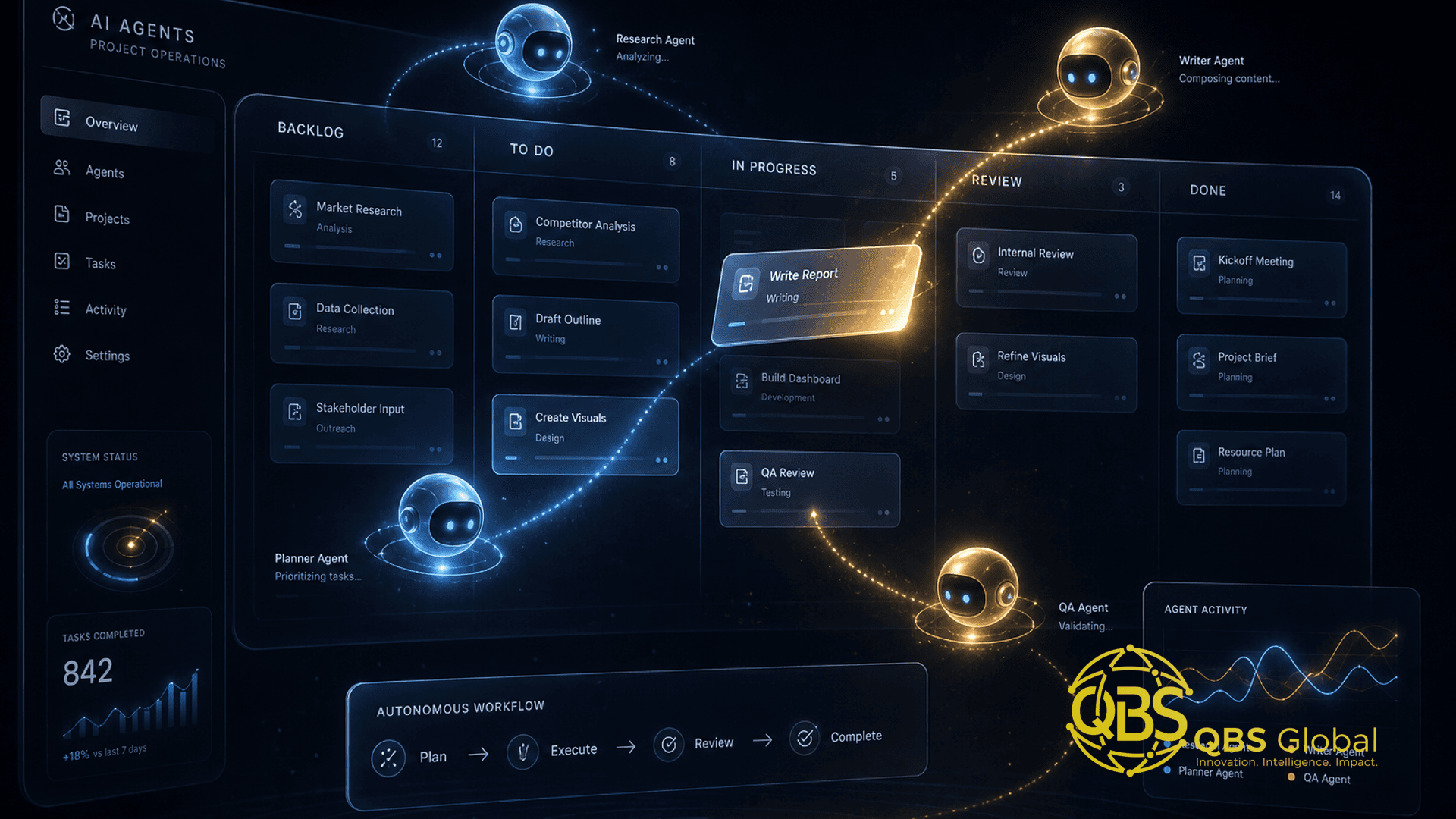
Search interest in "agentic AI" went from effectively zero in mid-2024 to its all-time peak in May 2026, according to Google Trends data, and project management is one of the first places the hype is meeting real work. The trade press has spent the year churning out "what every PM must know" explainers, and the early peer-style write-ups on AI agents orchestrating project communications are starting to appear. The noise is real. The question for a small team is narrower and more useful: what can you actually hand to an agent on Monday, and what will blow up if you do?
This is an operator's guide, not a vendor pitch. It assumes you run a small team — an agency, a service firm, a startup pod — where nobody has spare hours to babysit a robot. We'll cover what "agentic" really means, the first three jobs to delegate, the guardrails, how accountability changes when some "team members" are software, a reference setup for a five-person shop, what to keep firmly human, and how to prove the agents saved time.
What "agentic" means in PM: agents that act, not just suggest
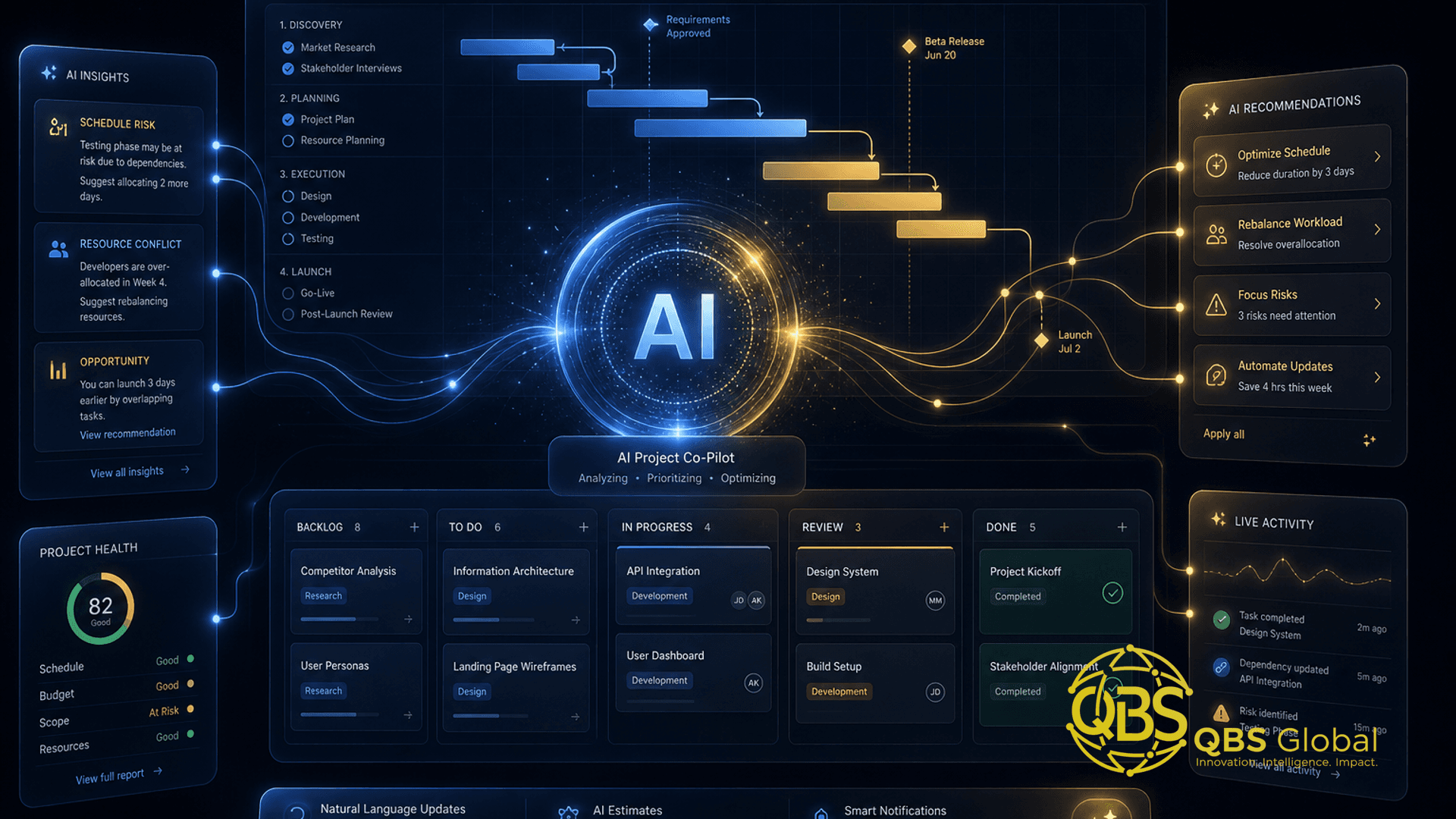
The word doing the work in "agentic AI" is act. A regular AI assistant answers when asked — you prompt it, it replies, you copy the output somewhere. An agent is given a goal and the tools to pursue it, and it takes a sequence of actions on its own: reading your project board, deciding the next step, making a change, checking the result, and moving on. The difference is the same as between a calculator and a bookkeeper.
In a project context, "agentic" shows up as software that can do things like:
- Read a task tracker, notice three tasks are overdue, and message the owners to ask for an update
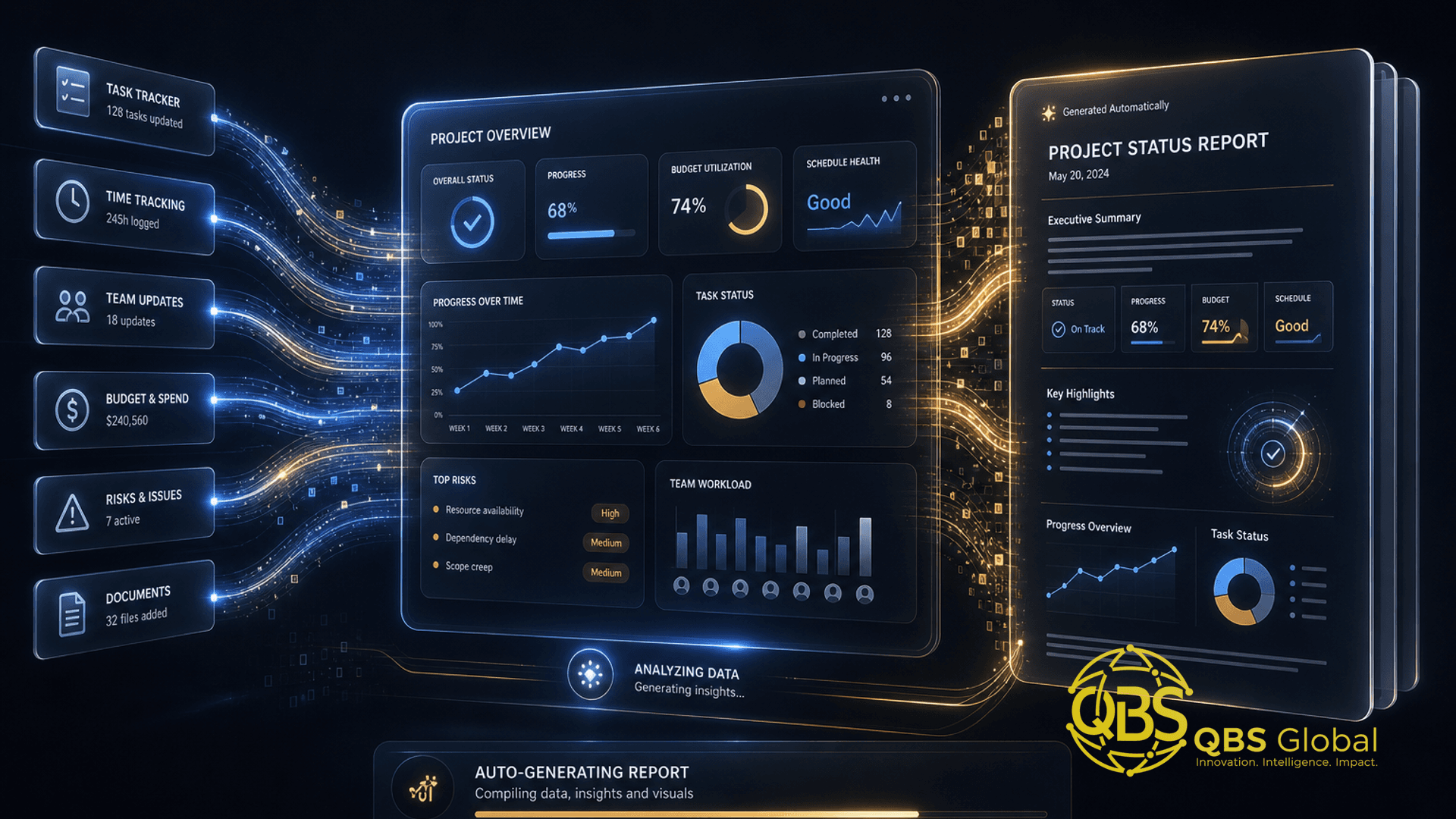
- Pull this week's activity and assemble a first-draft status report
- Take an inbound client request, classify it, create a ticket, and tag the right person
- Watch for a blocker condition and escalate before a human notices
None of that is magic — it's an LLM wired to your tools through an orchestration layer, with permission to take steps. That's also why it's worth being deliberate: an assistant that suggests a bad reply costs you a glance, but an agent that sends one costs you a client relationship.
The mental model that keeps you safe: treat an agent as a fast, tireless, slightly naive junior coordinator. Great at volume and consistency. Bad at judgment, context, and knowing when it's wrong. You'd never give a week-one intern unsupervised access to your client inbox — apply the same instinct here.
This framing matters because the market is running ahead of the maturity. Gartner predicts that over 40% of agentic AI projects will be canceled by the end of 2027, largely from cost, unclear value, and weak controls. The teams that win aren't the ones deploying the most agents — they're the ones who pick the right jobs and wrap them in guardrails.
The first 3 busywork jobs a small team should hand to agents
Don't start with anything strategic. Start with the work that's high-volume, low-judgment, and easy to check. Knowledge workers spend roughly 58–60% of their day on "work about work" — chasing updates, searching for information, switching tools — according to Asana's Anatomy of Work research. That coordination layer is exactly where agents earn their keep first.
Here are the three to delegate, in order.
1. Status chasing and standup prep
This is the single best starting point. An agent reads your tracker, spots what moved, what stalled, and who owes an update, then drafts the nudge or posts a pre-standup summary. It's the same shape every day, and a mistake costs nothing — a slightly-off summary is fixed in five seconds. You reclaim the most-hated part of coordination almost immediately.
2. The first draft of project reports
Weekly client updates, internal status reports, sprint recaps — agents are strong at the first 80%. They gather the activity, structure it into your template, and hand you a draft to edit. You keep the judgment calls (what to emphasise, what to soften, what to leave out) and skip the blank-page grind. First draft by agent, final word by human is the pattern that holds up.
3. Triage of inbound requests
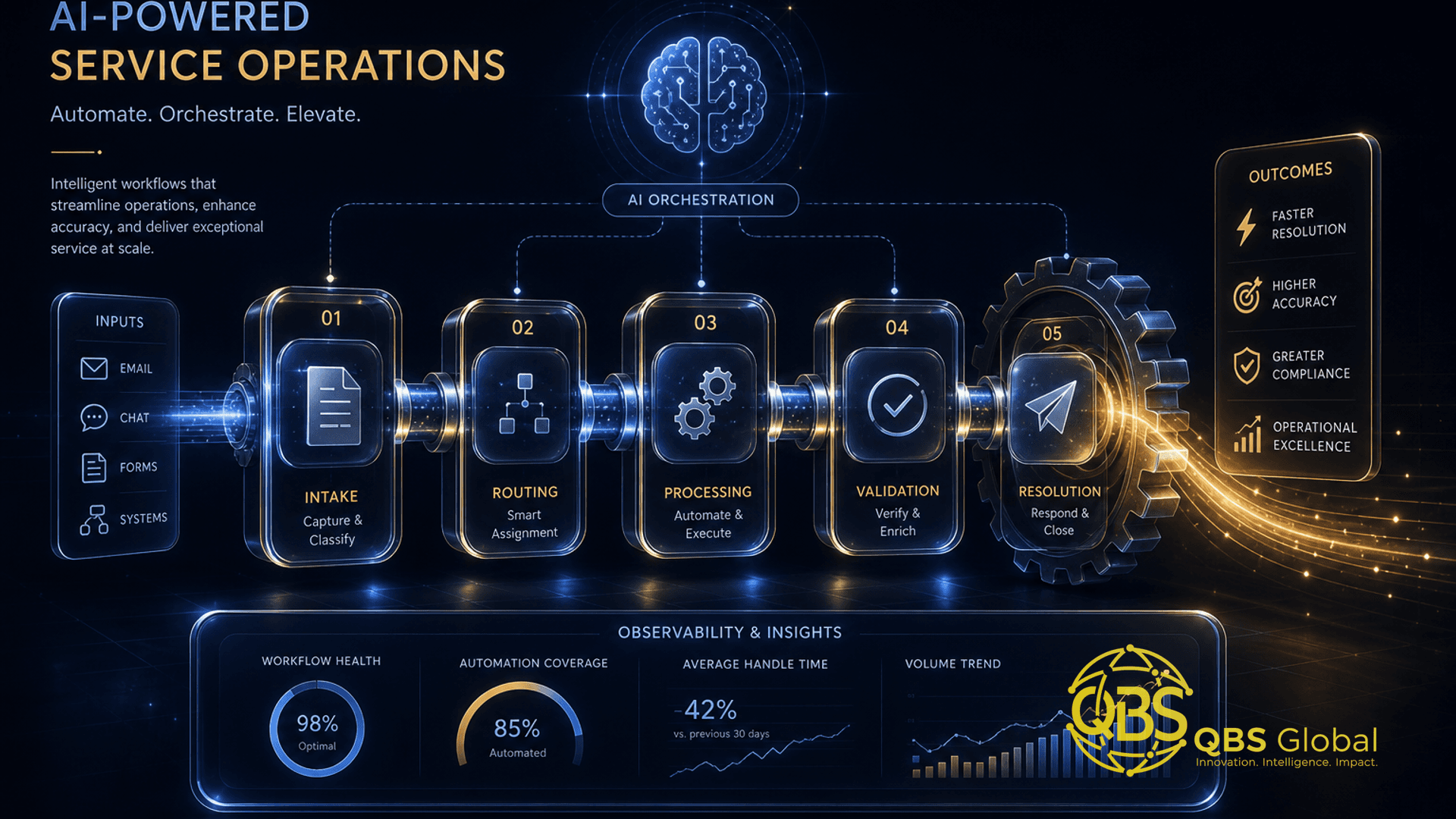
Client emails, form submissions, internal "can you also..." asks — an agent can read each one, classify it, create a tracker item, attach context, and route it to an owner. It won't decide priority perfectly, but it ensures nothing lands in a void. This is a natural extension of the kind of coordination work covered in our guide to AI project management for teams.
| Job | Why it's first | Risk if wrong | Human checkpoint |
|---|---|---|---|
| Status chasing / standup prep | Daily, repetitive, instantly verifiable | Trivial (re-read a summary) | Glance before standup |
| First-draft reports | High time-cost, agent does the 80% | Low (you edit before sending) | Edit + approve every send |
| Inbound request triage | Nothing falls through cracks | Medium (mis-routing) | Spot-check routing weekly |
Notice what's not on the list: deciding scope, re-prioritising the roadmap, having the hard conversation with a client. Those stay human. More on that below.
Guardrails: keeping agents from making bad calls
An agent without guardrails isn't a productivity gain — it's a liability with an API key. The good news is that the controls are simple and you can put them in place before the agent touches anything real. Five rules cover most of the danger.
1. Read-mostly by default. Give the agent broad permission to read your data and narrow permission to write. It can see the whole board; it can only change a handful of low-stakes fields. Most early value comes from reading and drafting, not from autonomous changes.
2. Human-in-the-loop on anything irreversible or client-facing. Sending an email, posting to a client channel, closing a contract item, deleting anything — these require a human to approve before they execute. The agent prepares; the human ships. This one rule prevents the large majority of horror stories.
3. A narrow lane, written down. Spell out what the agent may do and what it must never do: "You may draft and chase internal status. You may not contact clients, change deadlines, or alter scope." A vague mandate gets improvised, and improvisation is where bad calls live.
4. Log every action. Every read, draft, and change goes into a trail you can review. When something looks wrong, you need to reconstruct what the agent did and why. No log, no trust.
5. A kill switch and a budget cap. One toggle that stops the agent immediately, plus a hard limit on actions or API calls per window. Agents loop and misfire; you want a ceiling on what a bad day can cost. Agentic projects get canceled most often over runaway cost and unclear value, so cap both from day one.
Rule of thumb: the blast radius of an agent's worst possible action should be small enough that you'd be annoyed, not fired. If a single bad agent action could lose a client or corrupt your data, you've given it too much rope.
Standups and accountability when some "team members" are agents
Here's the part most explainers skip: once an agent is doing real work, your team rituals have to account for it — without pretending the agent is a person.
An agent has an owner, not a seat. Every agent is somebody's responsibility. When the status-chasing agent sends a confusing nudge, that's not "the AI's fault" — it's the owner's job to fix the prompt, the scope, or the data. Accountability never transfers to the software. If you can't name the human accountable for an agent, switch it off until you can.
Report on agent output like any other work. In standup, the agent's contributions get reviewed the same way a junior's would: did the draft land, did the triage route correctly, what slipped. You're not asking the agent how it feels — you're inspecting its output and adjusting. Treat its work as proposed until a human has looked at it.
Watch for the silent-failure trap. A human who's stuck tells you; an agent quietly producing slightly-wrong output every day will not. Build in a weekly five-minute check of "is the agent still doing the right thing?" — because agents degrade silently when data, tools, or context shift underneath them.
This is genuinely new ground, and it touches a question a lot of PMs are asking right now: will AI replace project managers? The honest answer from inside the work is that agents change what a PM spends time on, not whether the role exists. Someone still has to own the agent, interpret its output, and make the calls it can't.
A reference setup for a 5-person agency
Concrete beats abstract. Here's a sane starting stack for a small services team that wants the busywork gone without hiring an ops person or a developer. It's vendor-neutral — the named tools are examples, not endorsements.
The pieces:
- A project tracker as the source of truth. Whatever you already use (a Kanban tool, a PM platform) — the agent reads from and writes to this.
- An orchestration layer. A no-code tool like n8n or Zapier, or the agent features increasingly built into PM platforms themselves, to wire the LLM to your tools and trigger it on a schedule or an event.
- One LLM provider behind the orchestration, doing the reading, classifying, and drafting.
- Your existing comms channel (Slack, email) where drafts land for human approval.
The three agents, mapped to the jobs above:
| Agent | Trigger | Action | Approval |
|---|---|---|---|
| Standup agent | Every weekday, 8:30am | Read tracker, post pre-standup summary + list of stale tasks | None needed (internal, read-only) |
| Report agent | Friday, or on request | Draft the weekly client update into your template | Human edits and sends |
| Triage agent | On new inbound email/form | Classify, create tracker item, tag owner | Human spot-checks routing |
Rollout, week by week:
- Week 1 — one agent, read-only. Deploy only the standup agent. It posts summaries, changes nothing. You build trust and catch data issues with zero risk.
- Week 2 — add drafting. Turn on the report agent in draft-only mode. You edit every report before it goes out. Measure how much faster your reporting gets.
- Week 3 — add triage with a human gate. Let the triage agent route, but review its routing daily for the first week.
- Week 4 — review and decide. Look at the time saved versus the time spent reviewing. Keep what nets positive, kill what doesn't, widen scope only where you've earned the trust.
If you don't have anyone in-house to wire this up, this is a small, well-bounded build — exactly the kind of automation work a project management partner or an automation specialist can stand up in days, not months. You don't need a platform migration; you need three narrow agents and good guardrails.
What to keep firmly human
The fastest way to discredit agentic AI on your team is to point it at the wrong work. Some things should stay human not because agents can't attempt them, but because the cost of getting them wrong is high and the value of a human doing them is real.
Keep humans firmly in charge of:
- Prioritisation under ambiguity. Deciding what matters this week when everything's on fire is a judgment call built on context an agent doesn't have.
- Scope and commitment decisions. Saying yes or no to a new request, changing a deadline, agreeing to extra work — these have money and trust attached.
- Client relationships and hard conversations. Delivering bad news, negotiating, rebuilding trust after a slip. Clients can tell, and they care.
- Final sign-off on anything that leaves the building. Reports, proposals, anything client-facing gets a human's name and judgment on it.
- Interpreting why something went wrong. An agent can flag that a project is late. Understanding the real cause — and what to change — is human work.
The pattern across all of these: agents handle the mechanical and repetitive; humans handle the relational and consequential. When unsure which side a task falls on, ask whether a mistake would be embarrassing or expensive. Embarrassing-and-cheap can be delegated with a checkpoint. Expensive-and-relational stays with you.
Measuring whether the agents actually saved time
This is where most agentic experiments quietly fail — not because the agents don't work, but because nobody checks whether they net saved anything once you count the review and correction time. Don't skip it.
Set a baseline before you start. Pick one or two metrics you can measure today: hours per week your team spends on status reporting, time-to-first-draft of a client update, or the share of inbound requests that get a tracker item within an hour. Write down the number before the agent exists. You can't prove improvement against a feeling.
Measure the agent's net contribution, not its gross. The honest formula is simple: time the agent saved, minus the time humans spent reviewing and fixing its work. An agent that drafts reports in seconds but produces drafts so rough you rewrite them from scratch has saved you nothing. Track the correction tax explicitly.
Run a four-week window, then decide. Gartner's forecast — that at least 15% of day-to-day work decisions will be made autonomously by 2028, up from 0% in 2024 — is a destination, not where most teams are today. So treat each agent as an experiment with an end date. After four weeks, you'll have real numbers: keep the agents that net clearly positive, narrow the borderline ones, and switch off anything costing more attention than it saves.
| What to measure | Baseline (before) | After 4 weeks | Verdict |
|---|---|---|---|
| Hours/week on status reporting | your number | your number | Keep / narrow / kill |
| Time-to-first-draft of a report | your number | your number | Keep / narrow / kill |
| Review + correction time per agent | n/a | your number | Is it eating the savings? |
The teams that get value from agentic AI in 2026 aren't the ones with the most agents or the flashiest setup. They're the ones who delegated the right busywork, wrapped it in guardrails, kept judgment human, and measured honestly. That's an unglamorous playbook — which is exactly why it works while 40% of louder projects get canceled.
If you'd like a tailored roadmap for which busywork your team should hand to agents first — and how to wire it up safely — book a free 30-minute call with QBS Global. We'll map your three best starting jobs and the guardrails to match, and get you a clear plan within 48 hours.
Frequently asked questions
What is agentic AI in project management?+
Agentic AI is software that takes actions on its own toward a goal — updating tasks, chasing status, drafting reports — rather than just answering questions. In project management it behaves like a junior coordinator that does the busywork between check-ins, while a human keeps ownership of scope and decisions.
What should a small team hand to AI agents first?+
Start with the highest-volume, lowest-judgment work: status chasing and standup prep, the first draft of project reports, and triage of incoming requests into your tracker. These are repetitive, easy to verify, and low-risk if the agent gets one wrong.
Is agentic AI safe to use on real client projects?+
Yes, if you scope it tightly. Keep agents read-mostly, require human approval before anything client-facing or irreversible goes out, log every action, and give them a narrow lane. The risk comes from handing an agent broad write access with no review, not from the technology itself.
Will agentic AI replace project managers?+
Not for the parts that matter. Agents are good at coordination busywork; they are poor at negotiation, prioritisation under ambiguity, and stakeholder trust. The realistic 2026 outcome is fewer hours lost to admin and more PM time on judgment, not a headcount cut.
How do I measure whether AI agents actually saved time?+
Pick a baseline metric before you start — hours per week on status reporting, or time-to-first-draft of a report — then compare after four weeks. Net it against the time spent reviewing and correcting the agent. If review eats the savings, narrow the agent's scope.
Do I need engineers to set up agentic AI for a small team?+
Not necessarily. Many teams start with no-code orchestration tools like n8n or Zapier wired to an LLM, plus the agent features already inside their existing PM tool. You only need development help when you want custom logic, private data access, or tighter guardrails than off-the-shelf tools allow.