AI in Project Management: What It Automates, What a Human PM Still Owns (2026)
AI project management for teams in 2026: what to safely automate, what a human PM still owns, and a 30-day rollout — vendor-neutral, operator's guide.
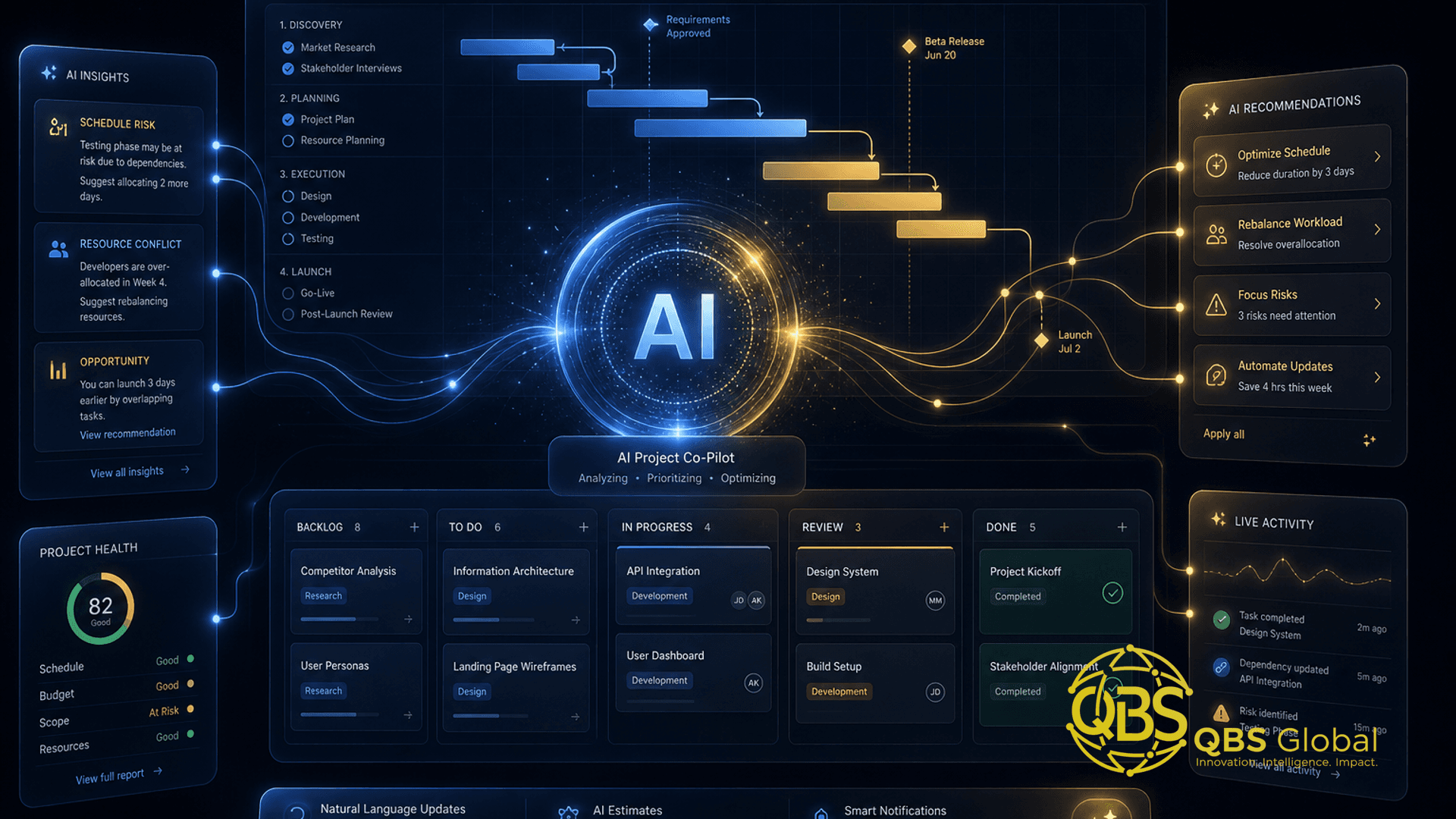
Search interest in "AI project management" went from a flat line in 2024 to sustained double-digits through 2026, riding the same wave as "agentic AI." The pitch is everywhere: let AI run your projects. The reality on the ground is more useful and more boring — AI is brilliant at the busywork around a project and still hopeless at the human core of one.
This is not another tool roundup pitting Asana against ClickUp against Monday. It's the decision underneath all of them: what you can hand to AI today, what still needs a human project manager, and how a small team should split the work between the two. Get that division right and you save real hours without betting your delivery on a model that confidently makes things up.
Where AI genuinely helps in project management today
The honest version: AI is a force-multiplier on the administrative surface area of project management, not the management itself.
Gartner famously predicted that by 2030, 80% of today's project management tasks would be eliminated as AI takes over data collection, tracking, and reporting (Gartner, via projectmanagement.com). Notice the wording — tasks, not project managers. That's the whole game. The chasing, the status-writing, the schedule arithmetic, the "what changed since Tuesday" — that's the 80%. The judgment about what to do with it is the 20% that decides outcomes.
So where does AI earn its keep right now?
- Reading and compressing. Long email threads, meeting transcripts, sprawling docs — AI turns them into a three-line summary and a list of decisions in seconds.
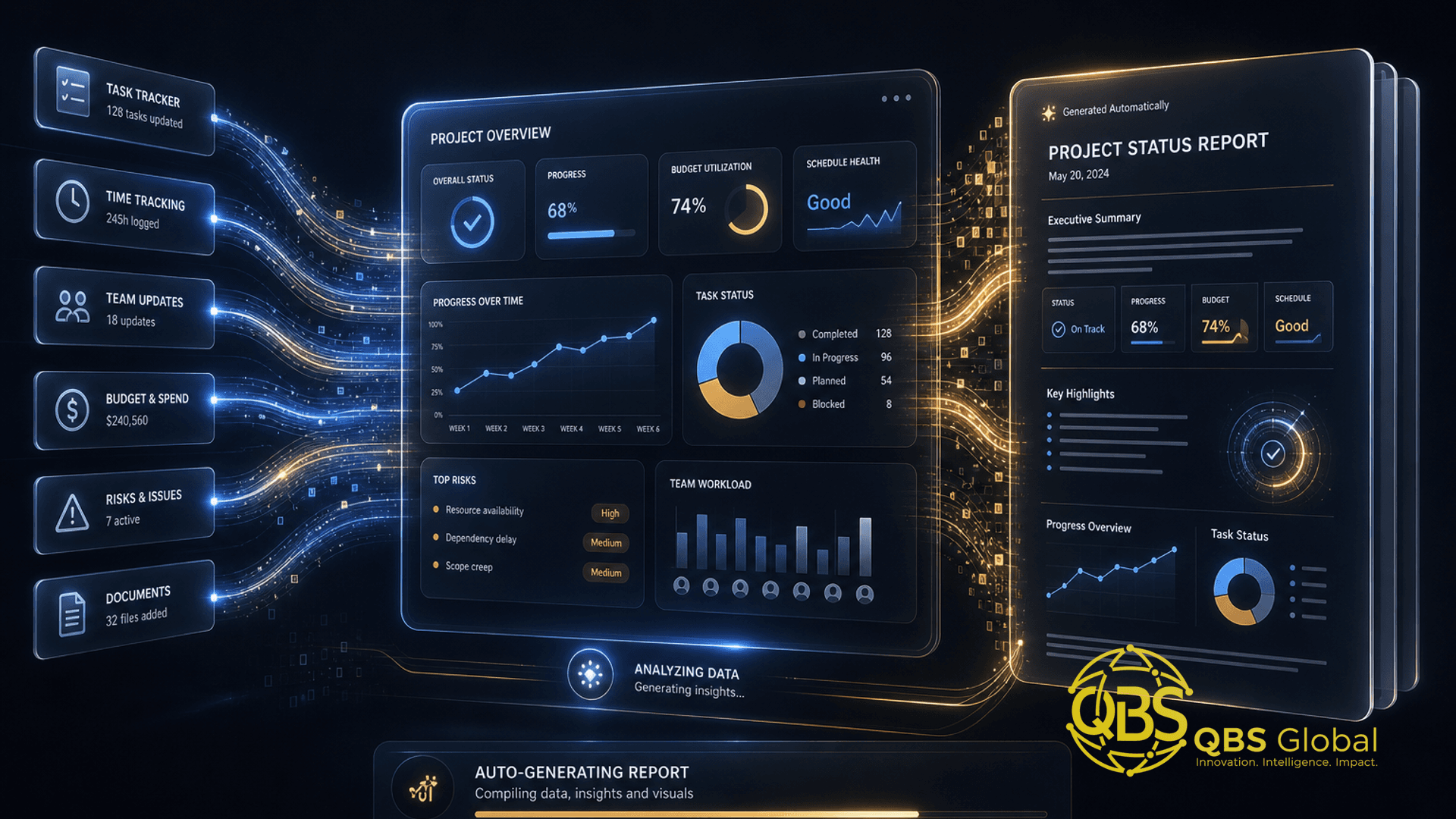
- Drafting from structured data. Your tracker already knows what moved this week. AI can turn that activity log into a readable status update instead of you writing it by hand.
- Pattern-spotting at scale. It can scan a hundred tasks and surface the five that are slipping faster than you'd notice manually.
- First drafts of everything. Plans, RAID logs, retro notes, kickoff agendas — AI gets you to a solid 70% draft you then sharpen.
The mental model that keeps you out of trouble: AI handles the inputs and the paperwork; a human handles the decisions and the relationships. Everything below is just applying that line.
Tasks you can safely automate (status, summaries, scheduling, risk flags)
A task is safe to automate when it's high-frequency, low-judgment, and reversible — meaning if the AI gets it wrong, a human catches it in seconds and nothing irreversible happened. That's a surprisingly large pile of a PM's week.
| Task | Why it's safe for AI | Human guardrail |
|---|---|---|
| Status reports | Pulls from your tracker's activity, no judgment needed | PM skims before it goes to a client/exec |
| Meeting & thread summaries | Compression is a strength; errors are obvious | Confirm decisions and owners are right |
| Schedule first-drafts | Dependency and date math is mechanical | PM validates the critical path and assumptions |
| Risk & overdue flags | Pattern detection across many tasks | PM decides which flags actually matter |
| Chasing for updates | Polite, repetitive, time-consuming | PM steps in when a person goes quiet for a reason |
| Routine documentation | RAID logs, changelogs, retro notes | Spot-check for context the model missed |
The pattern: AI produces the draft, a human owns the send button. Status reports are the highest-ROI starting point because nearly every PM writes them weekly and almost none enjoy it. Summaries are second — they pay back the moment someone misses a meeting.
The one rule that prevents most disasters: never let AI auto-send anything that carries reputational or financial weight without a human glance. Internal nudge to a teammate? Fine to automate end to end. Status update to a client who's already nervous? AI drafts, you send.
If your goal is squarely "make the busywork disappear," that's a specific, automatable project in itself — see our guide on AI and automation for service businesses for the wider pattern of taking repetitive ops off people's plates.
Tasks that still need a human PM (judgment, stakeholders, conflict)
Here's where the "AI runs your projects" pitch quietly falls apart. The tasks that actually determine whether a project succeeds are exactly the ones AI is worst at.
Judgment under ambiguity. Real projects are a constant stream of "we're behind — do we cut scope, push the date, or add people?" There's no clean right answer in the data; it's a trade-off between cost, quality, politics, and risk appetite. AI can lay out the options. It cannot own the call, and it cannot be accountable for it.
Stakeholder trust. A nervous client doesn't want a perfectly formatted status report — they want a human who looks them in the eye and says "I've got this." Trust is built in the texture of how bad news gets delivered, how a missed date gets reframed, how confidence is held when things wobble. No model does that.
Conflict and politics. Two leads want opposite things. A stakeholder is quietly undermining the timeline. A teammate is burning out and hiding it. These are the moments that sink projects, and every one of them requires reading a room, managing an ego, and making a human-to-human intervention.
Knowing what's really going on. A task marked "done" that everyone knows is half-baked. A green dashboard hiding a team that's lost faith in the plan. Good PMs manage the gap between what the tracker says and what's actually true. AI only sees the tracker.
The uncomfortable truth: AI makes a good PM faster and a bad PM more dangerous. Automating reports from a project nobody is actually steering just produces prettier evidence of failure. The human layer isn't optional overhead — it's the part that was always the job.
How a small team should split work between AI and a PM
For a team without a full-time PM, the right split isn't "AI or human" — it's a clear division of labor where AI runs the machine and a human (you, a teammate wearing the PM hat, or a fractional PM) runs the judgment.
A practical division for a small team:
| Layer | Owner | Examples |
|---|---|---|
| The paperwork layer | AI | Status drafts, summaries, schedule math, overdue flags, doc upkeep |
| The coordination layer | AI + light human | Chasing updates, surfacing risks, prepping agendas — human reviews |
| The decision layer | Human only | Scope cuts, priority calls, date commitments, resourcing |
| The relationship layer | Human only | Client trust, conflict, expectations, motivation |
The failure mode to avoid is asking AI to do the decision and relationship layers because nobody has time for them. That's not delegation — it's abdication. AI buys back the hours so a human has time for the parts that need a human. If the busywork was eating 60% of your PM time, automating it doesn't remove the PM — it frees them to finally do the 40% that was getting skipped.
For most small teams the realistic shape is: AI plus one part-time human owning judgment. That human might be a founder for a while, but founders are expensive PMs and usually bad ones (too close, too biased, too busy). At some point the right move is a fractional or outsourced PM sitting on top of an AI-assisted workflow — not more software.
Tool-agnostic setup: adding AI without replacing your stack
The single most expensive mistake here is concluding you need to migrate your whole team to a new platform to get AI. You almost never do. Ripping out a working tracker to chase an AI feature costs you weeks of disruption and re-training to solve a problem a thin layer would have solved in an afternoon.
A vendor-neutral way to add AI to whatever you already run:
- Start with the AI already in your stack. Most major trackers and chat tools now ship AI summaries and assistants. Turn those on first. They're free or near-free, already wired into your data, and good enough for summaries and status.
- Add a connector for the glue work. A tool like Zapier or n8n can watch your tracker and trigger an AI step — "every Friday, summarize this week's closed tasks into a draft status update." This is where the real time-saving lives, and it sits on top of your tools instead of replacing them. Our walkthrough on n8n automation without a developer shows how to build these flows without code.
- Keep a general AI assistant in the loop. A general model like ChatGPT or Claude handles the one-off asks — rewrite this update for a nervous client, draft a risk register from these notes — that don't justify a dedicated workflow.
- Standardize your inputs. AI output is only as good as the structure underneath it. Consistent task statuses, owners, and due dates do more for AI quality than any premium feature.
The principle: add a layer, don't swap a stack. You can always migrate tools later for non-AI reasons. Don't let "we want AI" be the reason — it's the weakest possible justification for a painful migration.
When a fractional or outsourced PM beats more AI tooling
There's a point where buying more AI is the wrong answer, and it's more common than vendors will admit. AI fixes a busywork problem. It does not fix an ownership problem.
Ask one question: why are projects actually slipping?
- If it's because status, coordination, and reporting eat everyone's time — add AI. That's exactly what it's for.
- If it's because nobody owns the decisions — nobody's making the scope call, chasing the stakeholder, or holding the line on priorities — then no dashboard, however smart, will save you. You need a human with the mandate to manage. More AI just generates better-looking reports about a project still drifting.
The tell is this: you've added the tools, the summaries are flowing, the dashboards are green — and projects still land late. That's the signature of a missing owner, not a missing feature.
For a lot of small teams, the most cost-effective fix isn't a full-time hire — it's a part-time professional who owns delivery on top of an AI-assisted workflow. We break down the economics in what a fractional project manager costs and when to hire one, and if you're not even sure you've hit that threshold yet, when a small business actually needs a project manager is the more basic question to settle first.
The strongest setup combines both: AI doing the busywork, a fractional human owning the judgment. That's cheaper than a full-time PM and far more reliable than betting delivery on tooling alone.
A 30-day rollout for an AI-assisted PM workflow
You don't roll this out by buying everything at once. You roll it out by removing one specific pain at a time and keeping only what proves itself. Here's a 30-day plan a small team can actually run.
Week 1 — Find the leak. Don't automate anything yet. For one week, track where PM time actually goes. Most teams discover the same culprits: writing status updates, chasing people for updates, and re-reading long threads. Rank the top two or three by hours burned. You're looking for high-frequency, low-judgment tasks — those are your first automation targets.
Week 2 — Automate one thing. Pick the single biggest time-leak and automate just that. Usually it's status reports. Turn on your tracker's AI summary, or wire a connector that drafts the weekly update from closed tasks. One workflow. Get it genuinely working and trusted before adding a second.
Week 3 — Add the second, and set the guardrail. Layer in summaries (meetings, threads) or automated risk flags. Critically, write down your human-in-the-loop rule now: what AI is allowed to send on its own versus what a human must review. Anything client-facing or money-touching stays human-reviewed. This rule is what keeps you safe at scale.
Week 4 — Prune and decide. Review honestly. What actually saved time? What created noise or needed so much correction it wasn't worth it? Kill the latter without sentiment. Then make the strategic call: with the busywork handled, is the remaining judgment work covered by a human? If projects are smooth, you're done. If they're still drifting, that's your signal to bring in a fractional or outsourced PM rather than buying more tooling.
A useful framing for what comes after: today's AI mostly assists, but agentic systems that take multi-step action on their own are the next shift in this space. If you want to look ahead, our piece on agentic AI in project management covers what changes when AI moves from drafting to doing — and where the human guardrails get more important, not less.
The whole 30 days is one discipline: automate the mechanical, protect the human, keep only what earns its place. Teams that do this get the time savings without the fragility. Teams that "let AI run projects" get prettier reports about projects that still fail.
If you'd rather not assemble this yourself, that's exactly the kind of work we do — figuring out which tasks to automate, wiring the AI layer onto your existing tools, and pairing it with real delivery ownership so projects actually land. Book a free 30-minute call with QBS Global and we'll map a tailored AI-assisted PM setup for your team, with a clear roadmap back to you within 48 hours.
Frequently asked questions
Can AI replace a project manager for a small team?+
No. AI reliably replaces the busywork — status updates, summaries, scheduling math, and early risk flags — but a human PM still owns the judgment calls, stakeholder trust, and conflict resolution that decide whether a project actually lands. AI is the best assistant a PM ever had, not a replacement.
What project management tasks can AI safely automate today?+
The safe set is anything mechanical and reversible: drafting status reports from your tool's activity log, summarizing long threads and meetings, building first-draft schedules, flagging overdue or at-risk tasks, and chasing for updates. These have a clear right answer and a human can sanity-check the output in seconds.
Do I need to switch tools to add AI to project management?+
No. The smarter first move is to keep your existing stack — your tracker, chat, and docs — and add a thin AI layer on top using the AI already built into those tools or a connector like Zapier or n8n. Replacing your stack to get AI is usually a costly detour, not a requirement.
When is hiring a fractional or outsourced PM better than buying more AI tools?+
When the gap is judgment and accountability, not admin. If projects slip because nobody owns decisions, chases stakeholders, or makes the trade-off calls, another dashboard will not fix it — a part-time human PM will. AI tooling fixes a busywork problem; a fractional PM fixes an ownership problem.
How long does it take to roll out an AI-assisted PM workflow?+
About 30 days for a small team. Spend week one auditing where time actually leaks, weeks two and three automating one or two high-frequency tasks like status and summaries, and week four reviewing what saved time versus what created noise — then keep only what earned its place.
Is AI in project management accurate enough to trust?+
For low-stakes, reversible tasks, yes — with a human glance before anything goes to a client or executive. AI still hallucinates, misreads context, and states guesses with confidence, so the rule is simple: automate the draft, keep a human on the send button for anything that carries reputational or financial weight.