AI in Professional Services: 12 Real Use Cases for Agencies, Consultancies & Firms
12 real AI use cases for agencies, consultancies and professional-services firms — what to automate first, and what to leave to humans.

Every professional-services firm runs on the same hidden tax: billable people doing non-billable work. Drafting the same proposal for the fortieth time. Re-keying numbers between systems. Writing meeting notes nobody reads but everybody needs. That admin layer is exactly what today's AI is good at — and it's why professional services has quietly become one of the clearest places to put AI to work.
This guide skips the enterprise abstractions and gets specific. We break the use cases down by firm type — agencies, consultancies, and accounting / legal / finance — then tell you what to automate first, what to leave to humans, and how to run a 90-day pilot without burning budget on hype. The whole thing is written for SMB and mid-market firms, where one good automation pays for itself fast.
Why professional-services firms are an AI sweet spot
Professional-services work is mostly language and documents — proposals, reports, contracts, emails, analyses, meeting notes. That is precisely the medium large language models handle best, which is why this sector shows up near the top of every adoption survey.
Adoption is no longer fringe. In McKinsey's 2025 global survey, 88% of organizations reported using AI in at least one business function, up from 78% the year before. Inside professional services specifically, Thomson Reuters found the share of firms actively using generative AI nearly doubled in a year, to 22% in 2025 from 12% in 2024, with another large group actively planning rollouts.
The reason it matters for your firm is simple: the upside is measured in hours you currently bill at zero. Thomson Reuters' Future of Professionals research projects AI could save professionals around 12 hours per week within five years — roughly four hours per week in the near term. And the gains skew toward your less-experienced people: a landmark study of customer-support agents found generative AI raised productivity by 14% on average, but 34% for novice workers. In a firm, that means juniors producing closer to senior-quality first drafts — faster.
The takeaway: if your firm sells expertise delivered through documents and conversations, AI is not a someday bet. It's a this-quarter efficiency lever. For the broader picture of where automation fits in a service business, see our guide to AI automation for service businesses.
What to automate first (the triage)
The biggest mistake firms make is starting with the flashy, client-facing use case. Start instead with the boring, repetitive, internal one — it's lower risk and it pays back faster.
Score every candidate task on three questions:
| Triage question | Automate first if… | Be cautious if… |
|---|---|---|
| Volume | You do it many times a week | It happens rarely |
| Judgment | The rules are clear and repeatable | It needs real interpretation |
| Cost of error | A mistake is cheap and easy to catch | A mistake creates liability |
The sweet spot is high volume, low judgment, low cost of error. Meeting notes, first-draft emails, internal summaries, data extraction, formatting and reporting all land here. These are the tasks where AI saves the most hours and where a wrong output is caught and fixed in seconds.
Push anything that is high judgment or high cost of error to the bottom of the list — or keep it human entirely. McKinsey's own finding reinforces the sequencing: the single biggest driver of value isn't the model, it's redesigning the workflow around it. Pick one workflow, redesign it properly, prove the number, then move to the next.
Rule of thumb: your first automation should be a task you'd be slightly embarrassed to admit how many hours it eats. That's where the easy win lives.
Use cases for agencies
Agencies — marketing, creative, social, design, PR — live and die on throughput. The work is high-volume and deadline-driven, which makes it fertile ground. Marketing is already one of the leading functions for generative AI: surveys put content creation as the single most common use case, and most teams recover real hours once AI is woven into their drafting workflow.
Use case 1 — First-draft content at scale. Blog outlines, ad variations, social captions, email copy, video scripts. AI gets you from blank page to editable draft in minutes; your team's job shifts to editing, sharpening, and adding brand voice. The draft is the commodity; the judgment is the value.
Use case 2 — Content repurposing. One webinar becomes a blog post, ten social posts, a newsletter, and a script. This is pure leverage — and we've written a full playbook on building a content repurposing system for service businesses.
Use case 3 — Reporting and client updates. Pulling numbers from ad platforms and analytics into a readable monthly report is hours of grunt work. AI drafts the narrative around the data so your account managers refine instead of write from scratch.
Use case 4 — Brief and proposal drafting. Turn a discovery call transcript into a structured creative brief or a first-pass proposal, ready for human polish.
One honest caveat for agencies: the same surveys that show big content gains also show firms cutting junior copywriting roles. Treat AI as a way to make your people more valuable — moving them up to strategy and client work — not as a headcount-cutting shortcut that hollows out your bench.
Use cases for consultancies
Consultancies sell thinking, packaged into decks, models, and reports. The thinking stays human. The packaging and the prep are ripe for automation.
Use case 5 — Research synthesis. Feed AI a stack of interview transcripts, reports, and market data and get a structured first synthesis — themes, contradictions, gaps. Consultants then validate and build the actual insight on top. This compresses the slowest part of any engagement: getting from raw inputs to a working point of view.
Use case 6 — Meeting notes and follow-ups. AI transcription and summarisation turns every client meeting into clean notes, action items, and a draft follow-up email — automatically. For a billing-by-the-hour business, reclaiming note-taking time is found money.
Use case 7 — Deliverable drafting. First-draft slides, executive summaries, and section narratives. The consultant's expertise goes into the structure and the argument; AI handles the wording of the obvious parts.
Use case 8 — Proposal and SOW generation. Most consultancies recreate scoping documents from near-identical templates. AI assembles a tailored first draft from a short brief, so partners spend their time on pricing and scope, not formatting.
The discipline here matters more than for agencies: a consultancy's reputation rests on being right. AI is your research assistant and your typist — never your analyst of record.
Use cases for accounting, legal and finance firms
This is the most cautious category and, perhaps counter-intuitively, one of the highest-return ones — because the work is structured, repeatable, and document-heavy. The legal profession in particular shows some of the strongest adoption signals, with Thomson Reuters reporting that an overwhelming majority of legal professionals expect generative AI to become central to their workflow within five years.
Use case 9 — Document review and summarisation. Summarising contracts, leases, financial statements, or case files into the key points a professional needs to check. AI surfaces; the qualified human decides.
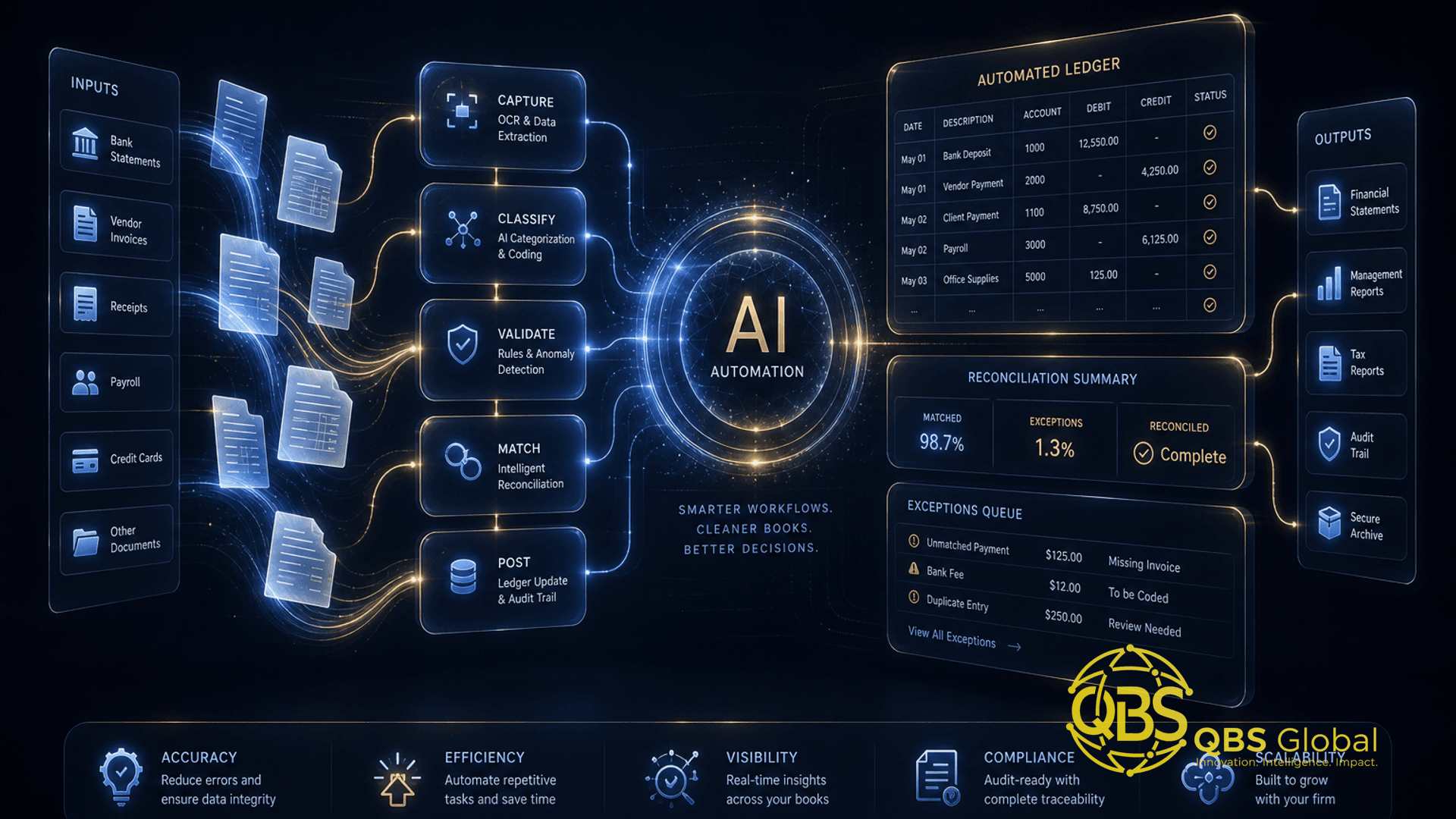
Use case 10 — Data entry, extraction and reconciliation. Pulling figures off invoices, receipts and statements into your system, and flagging mismatches. This is the textbook high-volume, rule-based task — and exactly where structured-data firms see the fastest payback.
Use case 11 — First-draft documents. Standard engagement letters, NDAs, routine correspondence, and template-driven filings. A human always reviews and signs, but the blank-page time disappears.
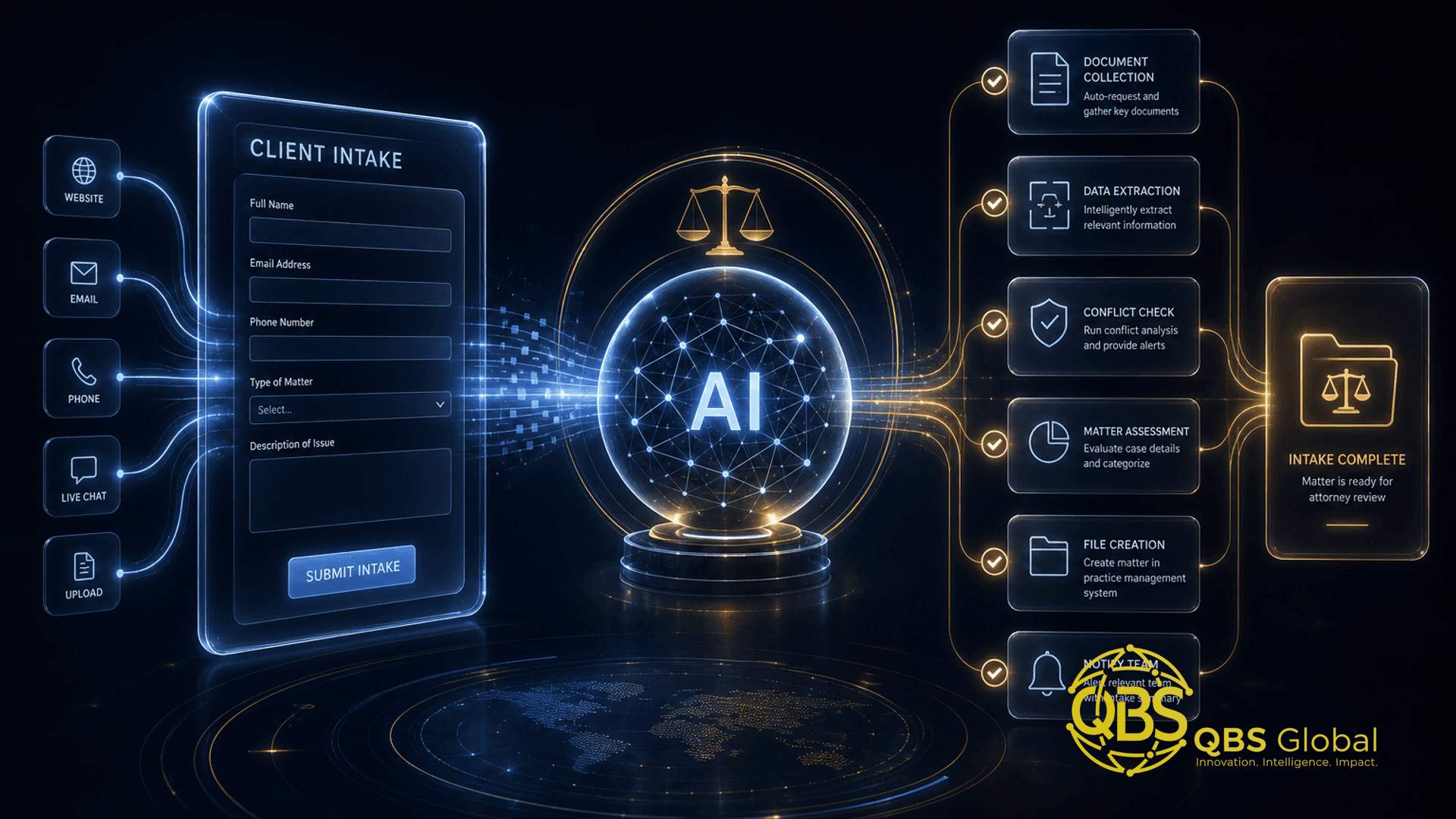
Use case 12 — Client intake and onboarding. Collecting documents, running first-pass checks, and routing new clients through a structured workflow. This connects directly to a broader system — see our guide on automating client onboarding for a service business.
The non-negotiable rule in this category: AI assists, a credentialled human is accountable. A confidently wrong number in a tax return or a hallucinated clause in a contract is a real liability, not an embarrassing typo. Build review into every step.
What to leave to humans (for now)
The firms that get AI badly wrong are the ones that automate the wrong thing. Some work should stay firmly in human hands — not because AI can't touch it, but because the cost of it being subtly wrong is too high.
Keep these human:
- Final sign-off on anything binding — legal advice, financial figures, strategic recommendations. AI drafts; a qualified person owns the result.
- The client relationship. Hard conversations, renewals, conflict, trust-building. People buy people in professional services.
- Genuine judgment calls. Ambiguous, high-stakes, "it depends" situations where the right answer requires reading context an AI doesn't have.
- Anything where a confident-but-wrong answer is dangerous. If you can't quickly verify the output, don't let AI run unsupervised on it.
- Original strategy and creative leaps. AI remixes what exists; the genuinely new idea is still yours.
The mental model that works: AI is the world's fastest junior associate — tireless, fast, and occasionally confidently wrong. You'd never let a brand-new hire send work to a client unreviewed. Apply the same standard. The goal isn't to remove humans from the loop; it's to remove humans from the drudgery and aim them at the judgment.
How to run a 90-day AI pilot without the hype
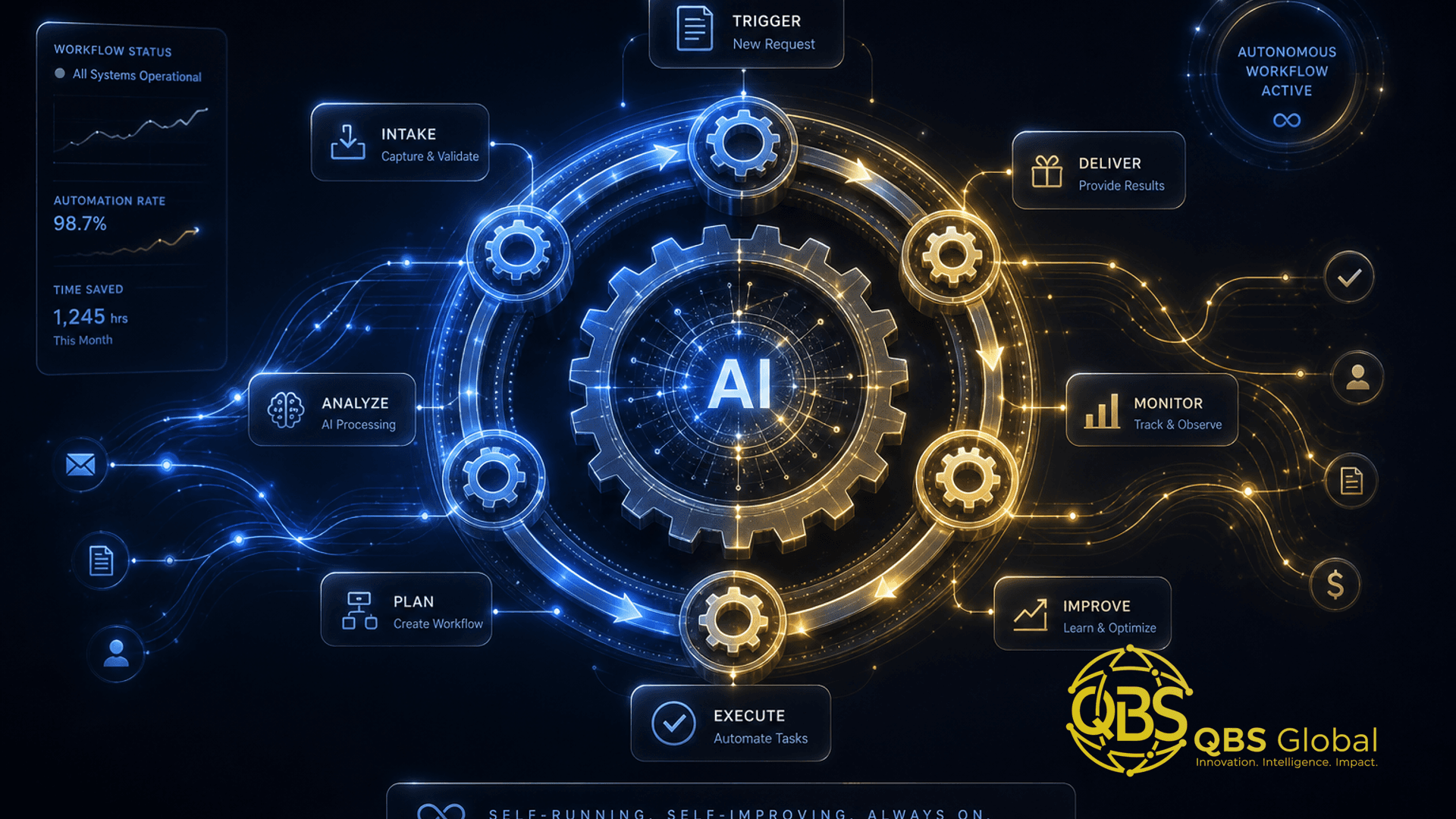
You don't need a transformation programme or a data-science team. You need one workflow, one owner, and a number you're trying to move. Here's a 90-day structure that keeps it honest.
| Phase | Timeline | What you do |
|---|---|---|
| 1. Pick one workflow | Days 1–10 | Use the triage. Choose one high-volume, low-judgment, low-risk task. Measure the baseline: hours per week today. |
| 2. Build the workflow | Days 11–40 | Wire up off-the-shelf AI tools, write the prompts and templates, and add a human review step. Keep it simple and integrated with tools you already use. |
| 3. Run and measure | Days 41–75 | Use it for real work. Track hours saved, quality, and error rate against the baseline. Adjust prompts and review steps as you learn. |
| 4. Decide and expand | Days 76–90 | Did it move the number? If yes, document it and pick the next workflow. If no, kill it cleanly and try a different task. No sunk-cost spirals. |
A few rules that keep pilots from failing:
- One workflow, not ten. Diffuse pilots prove nothing. Concentrate.
- Measure the baseline first. "It feels faster" is not a result. Hours per week is.
- Keep a human in the loop on every output until the data earns your trust.
- Budget for integration, not magic. Most of the value is in connecting your existing tools and adding review — not in the model itself.
- Be ready to walk away. A clean "no" in 90 days is a win; a vague pilot that drags on for a year is the real waste.
On cost: pilots like this are deliberately small. The investment is mostly setup and integration time, and a focused first project is usually a low-four-figure commitment rather than an enterprise outlay — though it varies by workflow complexity. For a fuller breakdown of what automation costs for a small business, we've laid out the real numbers separately.
The bottom line: professional-services firms don't win with AI by buying the most tools. They win by removing the busywork from one workflow, proving the hours saved, and repeating. Start small, measure honestly, keep humans on the judgment.
If you'd like a second pair of eyes on which workflow to automate first, we're happy to map it out with you. Book a free 30-minute call with QBS Global and we'll send you a tailored AI roadmap within 48 hours — no obligation, just a clear plan for where the easy hours are hiding.
Frequently asked questions
What are the best AI use cases for professional services firms?+
The highest-ROI use cases are the ones that remove repetitive, low-judgment work: meeting notes and summaries, first-draft documents and proposals, data entry and reconciliation, client intake and onboarding, reporting, and triaging inbound email. These free up billable or strategic hours without touching the parts of the job that require human judgment.
What should professional services firms automate first?+
Automate the task that is high-volume, low-judgment, and rule-based — usually meeting notes, document drafting, or data entry. Pick one workflow you do every week that drains hours but rarely requires real thinking, and prove the ROI there before expanding to anything client-facing.
What AI work should firms leave to humans?+
Keep final legal, financial and strategic sign-off, client relationships and difficult conversations, judgment calls on ambiguous situations, and anything where a confident-but-wrong answer creates real liability. AI drafts and assists; a qualified human decides and is accountable.
Is AI worth it for a small or mid-sized firm, not just enterprises?+
Yes — and arguably more so. Small and mid-market firms feel admin overhead more acutely because partners and senior staff do the busywork themselves. A focused AI pilot on one workflow can return real hours within weeks, without the long enterprise rollout.
How long does it take to see results from an AI pilot?+
A well-scoped pilot on a single workflow usually shows measurable time savings within the first few weeks, because you are automating a task you already do dozens of times. The 90-day window is about proving and stabilising the win, not waiting three months for a first result.
Do we need to hire a data scientist to use AI in our firm?+
No. Most high-value professional-services use cases run on off-the-shelf AI tools plus light integration work — connecting your existing tools, writing prompts and templates, and adding human review steps. You need someone who understands your workflow and a partner who can wire it together, not a research team.